
BUILT FOR THE FLOOR

Waiter POSEvery table.
One clear view.

Keep the next action close at hand. Your floor team can start orders, respond to the kitchen and close a table from a shared restaurant workspace.

For waiters and managers during a busy service

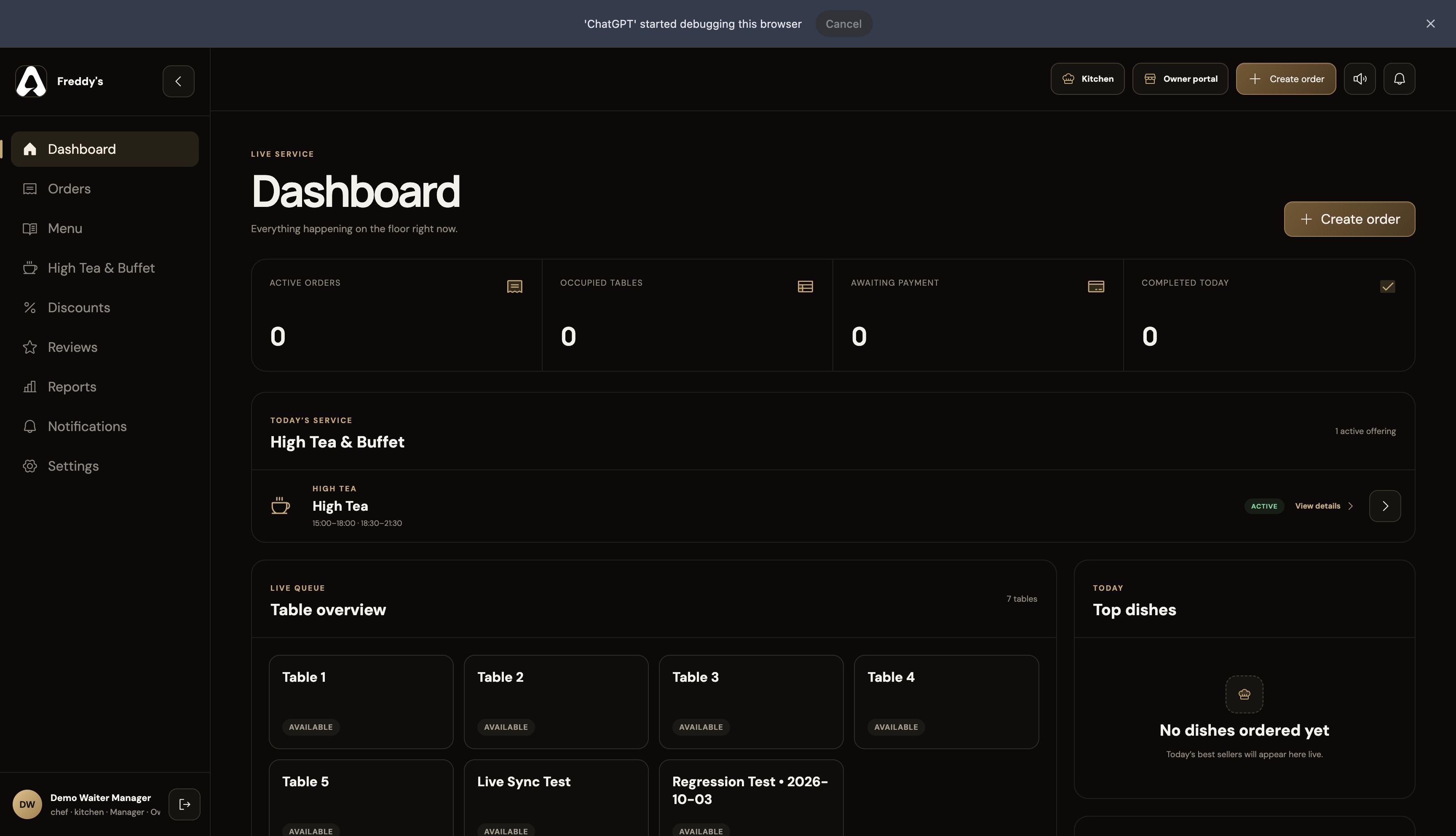
For The Tabl. The live floor dashboard interface

Waiter POS · FOR RESTAURANT BUSINESSES

What does the For The Tabl. waiter POS do?

The For The Tabl. Waiter POS is browser-based restaurant order management software for waiters and managers. It brings tables, reservations, guest and staff-created orders, kitchen pickup alerts, order changes and checkout records into the user’s assigned branch workspace.

Owners give the floor a shared operational view while controlling restaurant and branch access. Payment recording documents checkout; it does not replace a payment processor or card terminal.

Step inside the features
LOOK INSIDE WAITER POS

A busy floor.A clear next move.

SCROLL TO STEP INSIDE
Waiter POS / THE CONNECTED EXPERIENCE

Put the next action within reach.

From opening a table to recording checkout, keep the service record with the team doing the work.

See the features
For The Tabl. The live floor dashboard interface

THE CAPABILITIES, UP CLOSE

Restaurant POS software that keeps the floor moving.

Give waiters and managers the order context they need during service, from the first table interaction to the final receipt.

01 / Waiter POS

Tables and service

Bring the floor into one operational view.

See the tables and service context for the assigned branch. Reservations and guest service requests sit alongside everyday order handling.

  • Live table overview
  • Table reservations
  • Guest service calls
  • Assigned-branch access
Waiter dashboard with table overview and service statistics
Waiter POS · Tables and service · Product interface
02 / Waiter POS

Flexible order handling

Respond when a guest changes their mind.

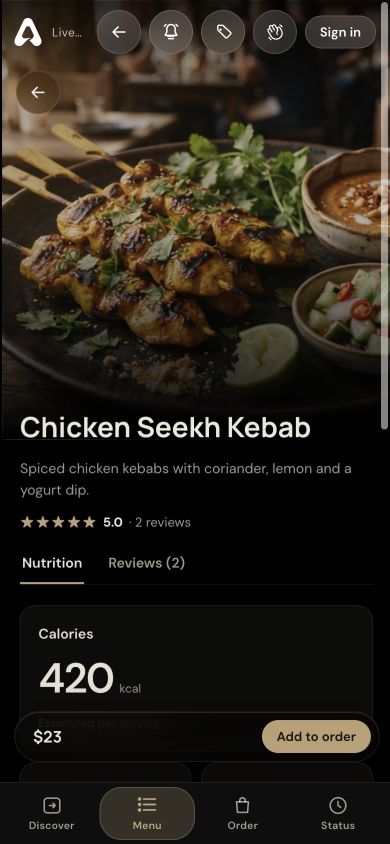
Respond to changes during the meal with searchable dish selection, quantity adjustments and instructions. Kitchen pickup alerts identify the order and table.

  • Searchable dish selection
  • Quantity and item adjustments
  • Special instructions and internal notes
  • Kitchen pickup notifications
Current waiter dashboard with the create-order entry point
Waiter POS · Flexible order handling · Product interface
03 / Waiter POS

Checkout and beyond

Keep the bill and service record together.

Keep the bill connected to the order. Staff review configured tax, record tips and payment, and access the receipt while working with the restaurant’s menu and offers.

  • Itemized bill and configured tax
  • Tips and payment recording
  • Printable and downloadable receipts
  • Offers, High Tea and branch reports
Current waiter dashboard with assigned-branch service context
Waiter POS · Checkout and beyond · Product interface

A CLOSER LOOK

Made for the way
service happens.

Follow the workflow. See where Waiter POS fits into your restaurant’s day.

STEP 01

Start with a table

Choose the table, browse menu categories and build an order with quantities, variations and instructions.

Waiter POS
Waiter POS interface showing the service dashboard and tables

THE DETAILS THAT MATTER

Everything has
its place.

Give waiters a restaurant POS for tables, orders, kitchen pickup alerts and checkout. A shared branch workspace from For The Tabl.

01

A shared view of service

Authorized team members work with the restaurant’s orders and assigned branches. Table context stays with the order throughout service.

02

Order changes within reach

Search dishes when adding items, adjust quantities and capture item instructions or a shared internal note for the team.

03

Pickup alerts that lead to action

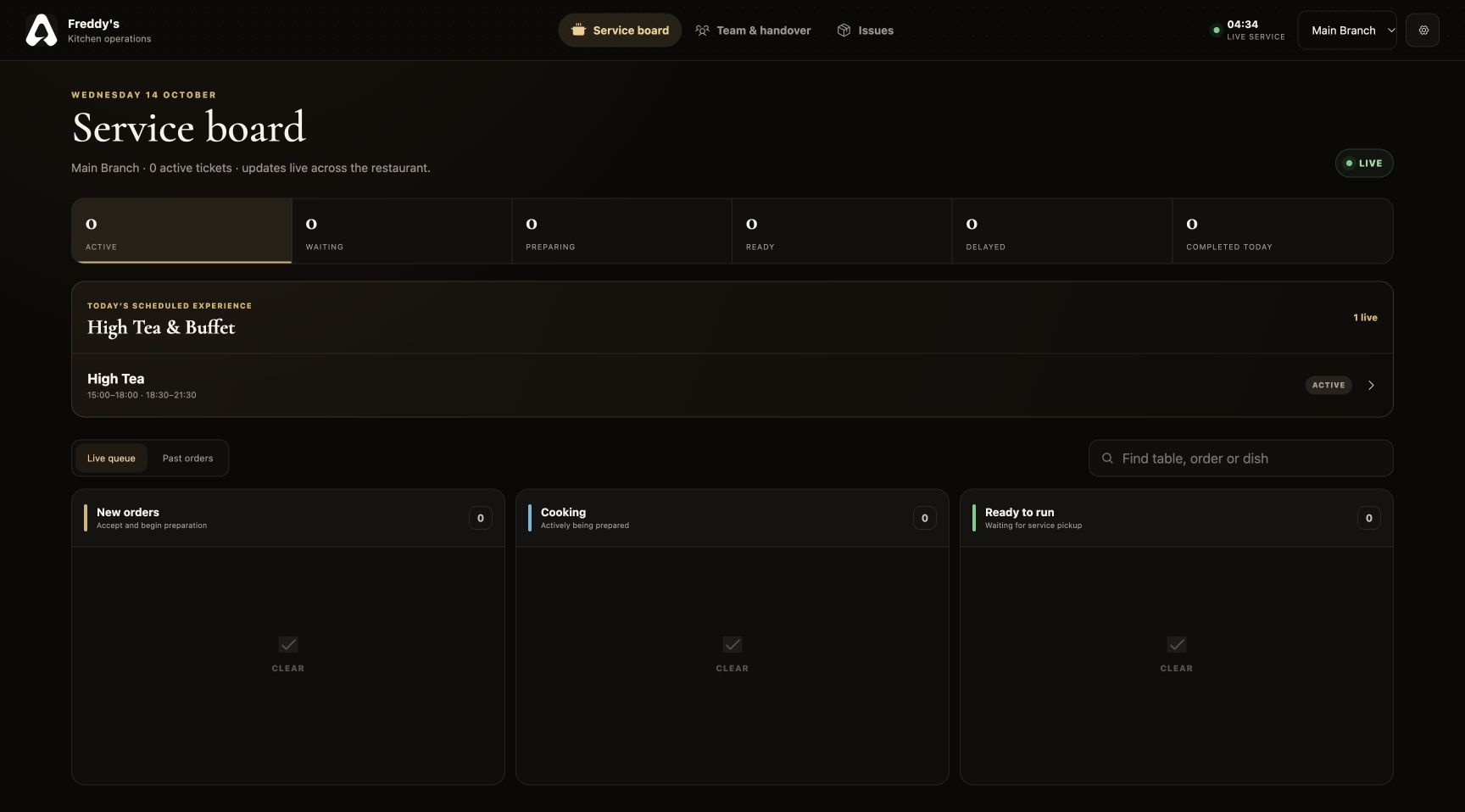
Kitchen-ready alerts point staff to the right table and order. Staff can mark the order served from the pickup notification.

04

More than everyday orders

View card offers, manage promotions within your permissions, and work with High Tea and buffet menus and reservations.

BUILT FOR RESTAURANT BUSINESSES

Six perspectives.
One operation.

Waiter POS is part of a connected restaurant platform. Your menus, orders and service information support the people who need them.

FROM SETUP TO SERVICE

Make it part
of your day.

Set up your restaurant’s information, connect the right people and walk through a service before introducing it to guests.

Discuss your restaurant’s workflow ↗
  1. 01

    Configure your restaurant

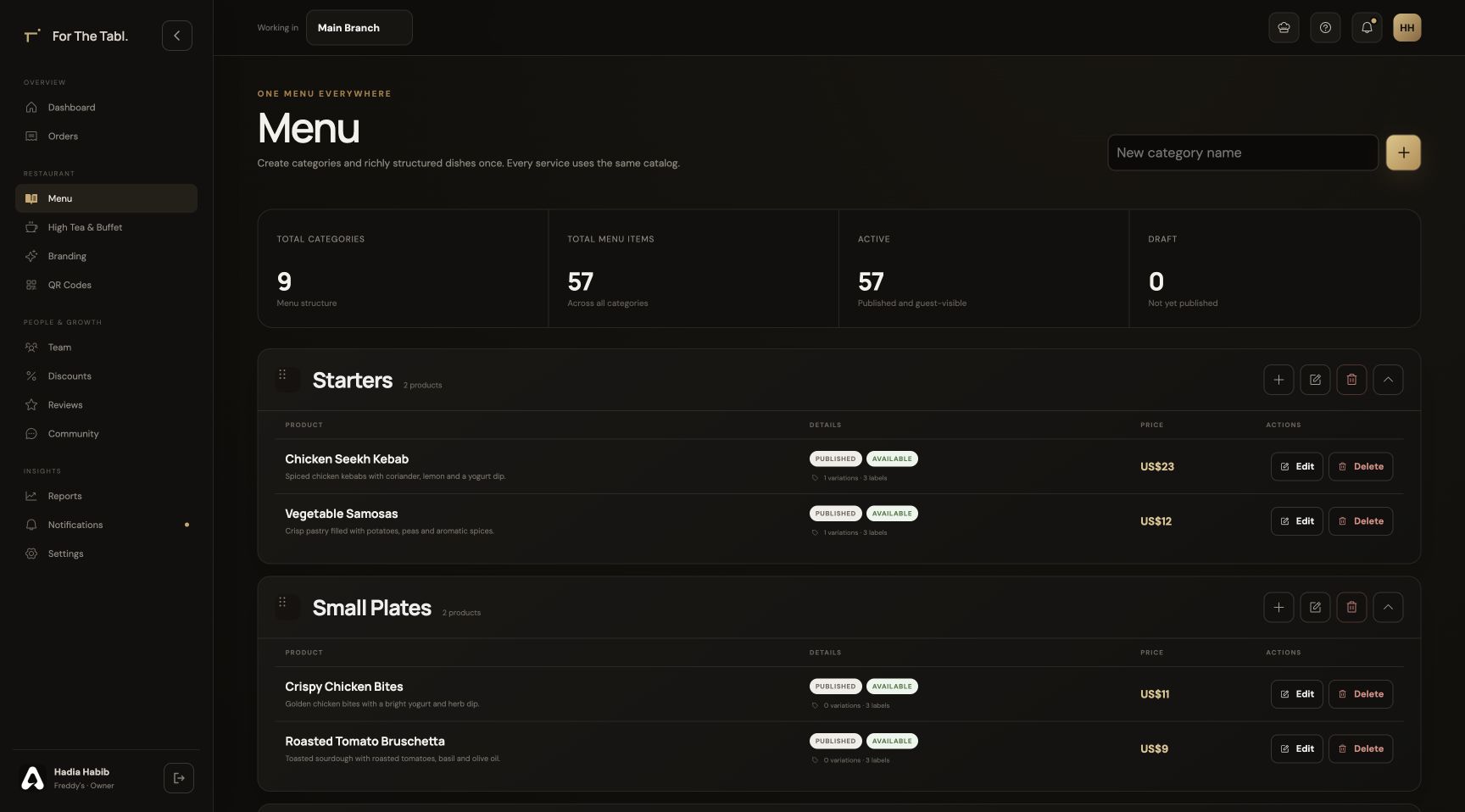
    Add your branch, menu, brand and tables in the Owner Portal.

  2. 02

    Bring your team together

    Assign roles and branches so each person opens the appropriate workspace.

  3. 03

    Run through the experience

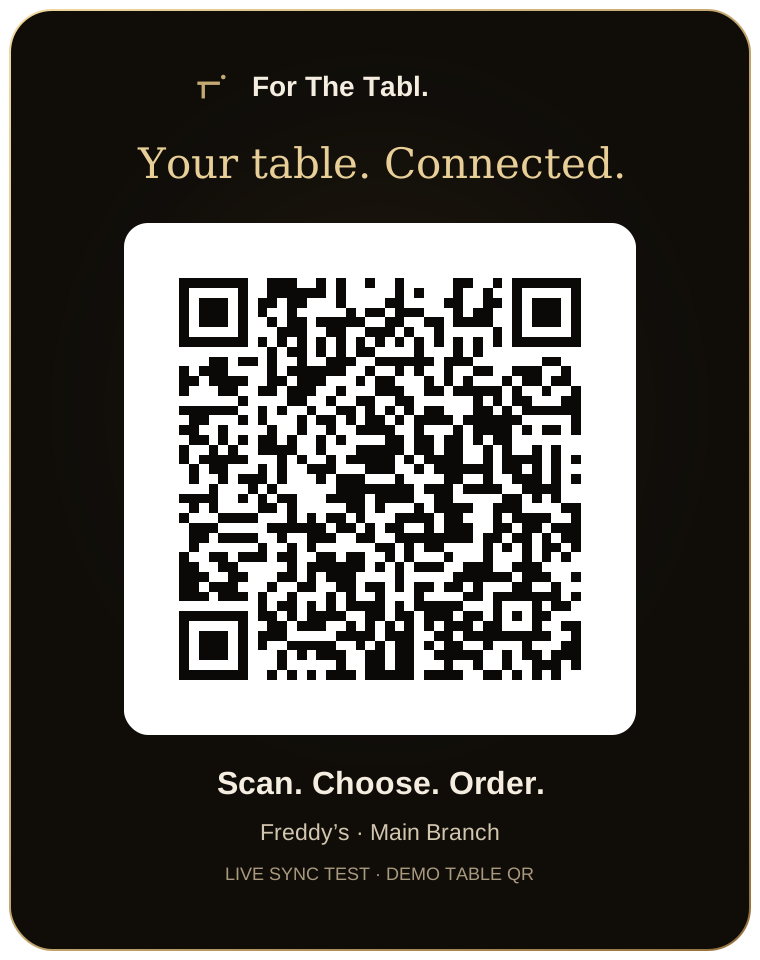
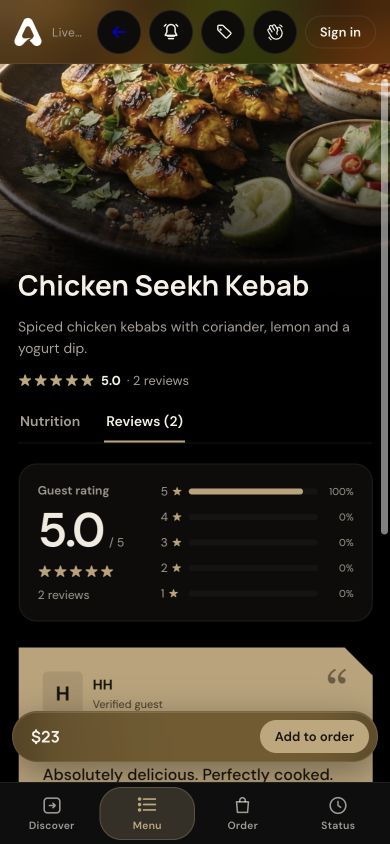
    Check the journey from a table QR through ordering, preparation, service and checkout.

Waiter POS FAQ

A little more
clarity.

Talk to our team ↗
Can the waiter POS run on a tablet?

Yes. The browser-based staff workspace supports tablet and smaller-screen layouts, with no dedicated POS terminal required to access it.

Will staff see orders placed through the table QR?

Yes. Guest QR orders and staff-created orders use the same restaurant and branch order records.

Does recording checkout mean payments are processed by For The Tabl.?

Recording a payment in the POS tracks the order’s checkout and receipt. It does not by itself replace your payment terminal or establish a payment-processing agreement.

Can a manager change an order after it has been placed?

Authorized staff can add or remove items, adjust quantities and add instructions or internal service notes. The order stays connected to the restaurant’s service records.

How does a waiter know an order is ready?

When the kitchen marks an order ready, the staff pickup alert identifies the order and table. The waiter can open its details or mark it served from the alert.

LET’S SET YOUR TABLE

Great service starts
with a connection.

Register your restaurant Have a question? Let’s talk.