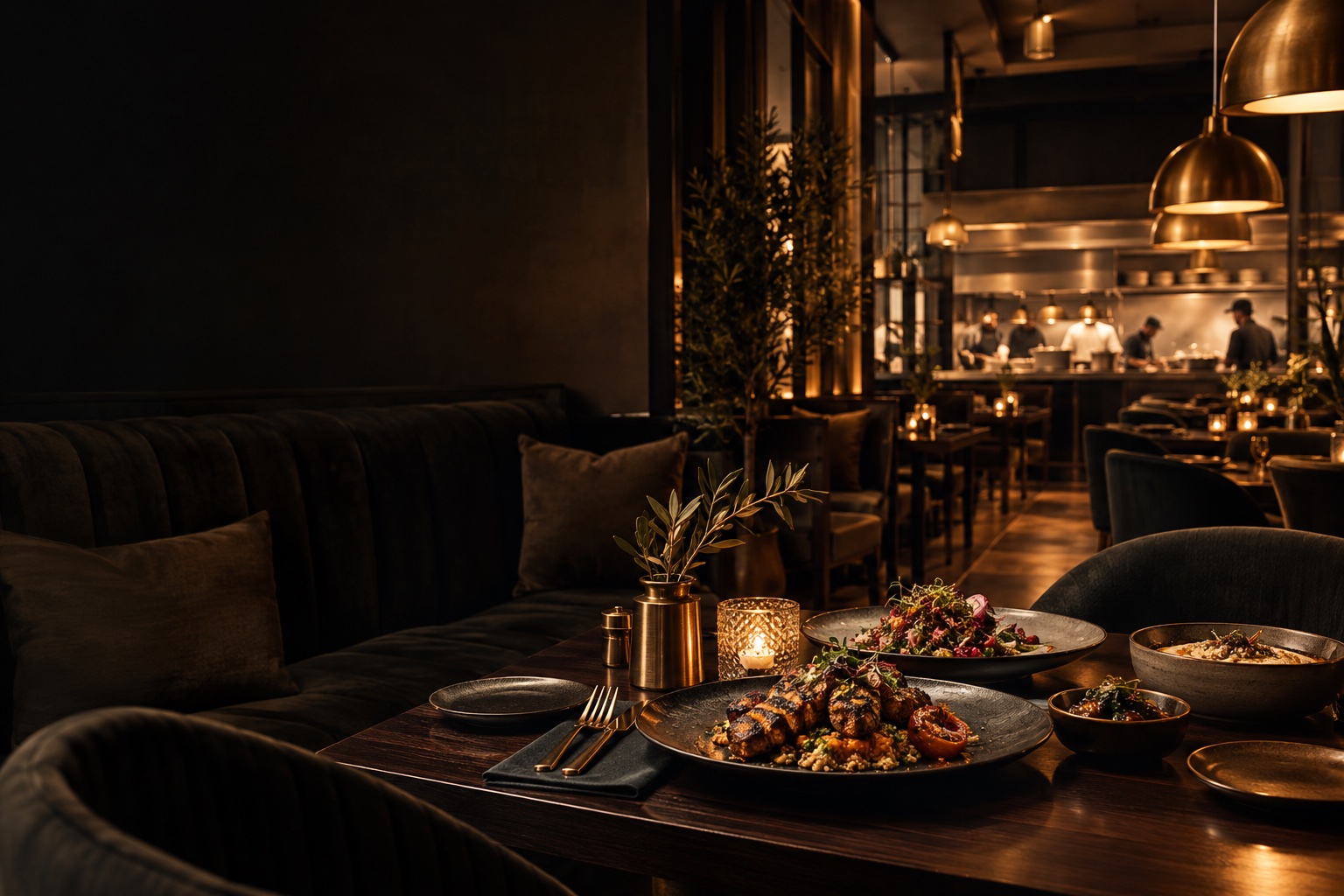
FROM THE TABLE TO THE KITCHEN

QR OrderingOne scan.
A whole dining experience.

Give every table a direct connection to your restaurant. Guests explore your menu, make their choices and follow their order from their own phone.

For restaurants serving guests at the table

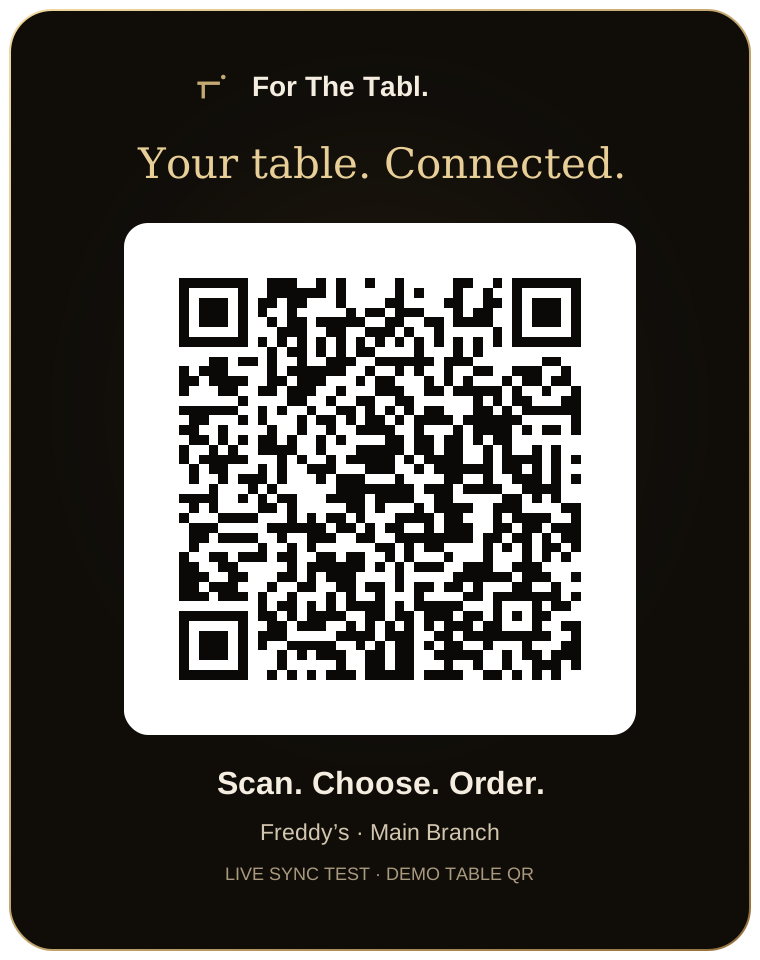
Scannable For The Tabl. QR stand for Freddy’s Main Branch demo table

QR Ordering · FOR RESTAURANT BUSINESSES

What is a restaurant QR ordering system?

For The Tabl. QR Ordering is a browser-based table ordering system. A table-specific QR code opens the restaurant’s branded menu, identifies the branch and table, and lets guests customize dishes and send an order into the shared waiter and kitchen workflow.

For owners, this brings self-service ordering into the existing service process—not a separate inbox for the team to reconcile. Waiters can still assist, edit orders and manage checkout.

Step inside the features
LOOK INSIDE QR ORDERING

One little scan.Your whole service.

SCROLL TO STEP INSIDE
QR Ordering / THE CONNECTED EXPERIENCE

From their phone. Into your operation.

Give guests an independent way to order, without disconnecting them from your floor team or kitchen.

See the features
Scannable For The Tabl. QR stand for Freddy’s Main Branch demo table

THE CAPABILITIES, UP CLOSE

Restaurant ordering software that starts at the table.

Connect self-service ordering to the people delivering the meal. Give guests a simple route from browsing to checkout while your team stays in control of service.

01 / QR Ordering

A branded arrival

Each table opens the restaurant experience it belongs to.

Start the visit with your identity and the correct table context. Guests do not have to install an app before browsing the menu.

  • Restaurant logo and brand colors
  • Branch and table identification
  • Browser access without an app download
  • Optional guest sign-in
Scannable For The Tabl. QR stand for the published demo restaurant table
QR Ordering · A branded arrival · Product interface
02 / QR Ordering

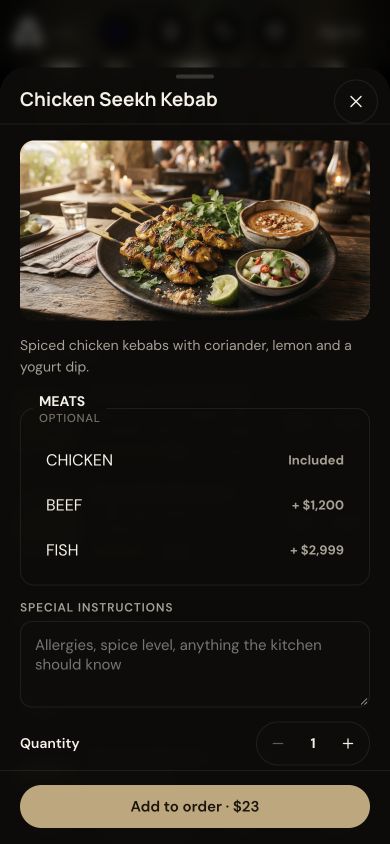
An order with context

Capture what guests want before the order reaches the kitchen.

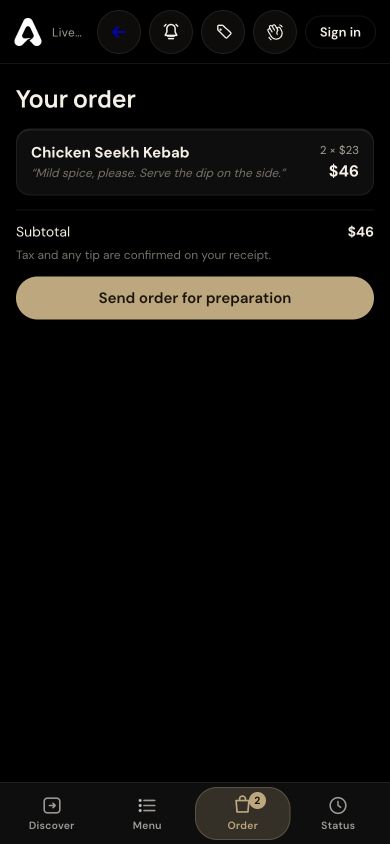
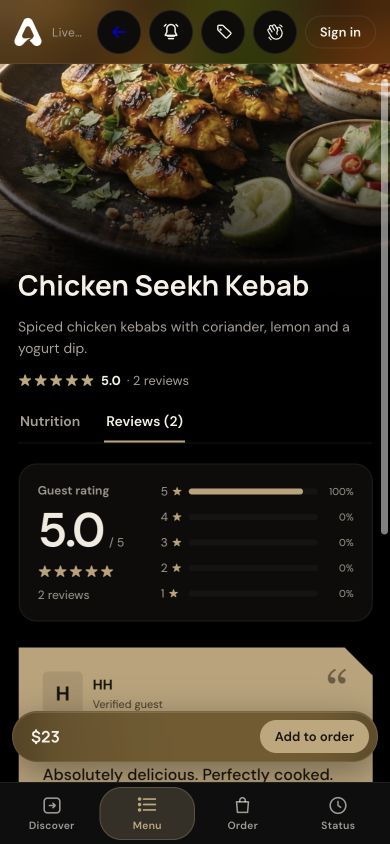
Capture choices alongside the dish rather than leaving the team to piece together a separate request. Guests can check their basket before sending it.

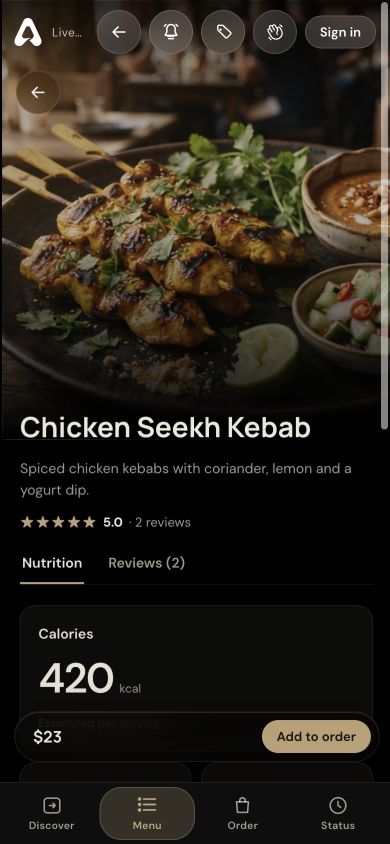
  • Category-based menu browsing
  • Dish variations and quantities
  • Item-specific instructions
  • Basket review before submission
Guest order customization with variations, instructions and quantity
QR Ordering · An order with context · Product interface
03 / QR Ordering

Service beyond the scan

Keep guests connected throughout their visit.

Keep the digital journey connected to hospitality: guests can follow progress and ask for help, while staff retain responsibility for service and checkout.

  • Order status updates
  • Call-for-waiter requests
  • Staff-managed checkout
  • Post-meal dish feedback
Guest basket showing dish quantities, instructions and subtotal
QR Ordering · Service beyond the scan · Product interface

A CLOSER LOOK

Made for the way
service happens.

Follow the workflow. See where QR Ordering fits into your restaurant’s day.

STEP 01

Scan at the table

A restaurant-specific QR code identifies the branch and table, opening the right dining experience.

QR Ordering
Scannable For The Tabl. QR stand for the published Freddy’s demo restaurant table

THE DETAILS THAT MATTER

Everything has
its place.

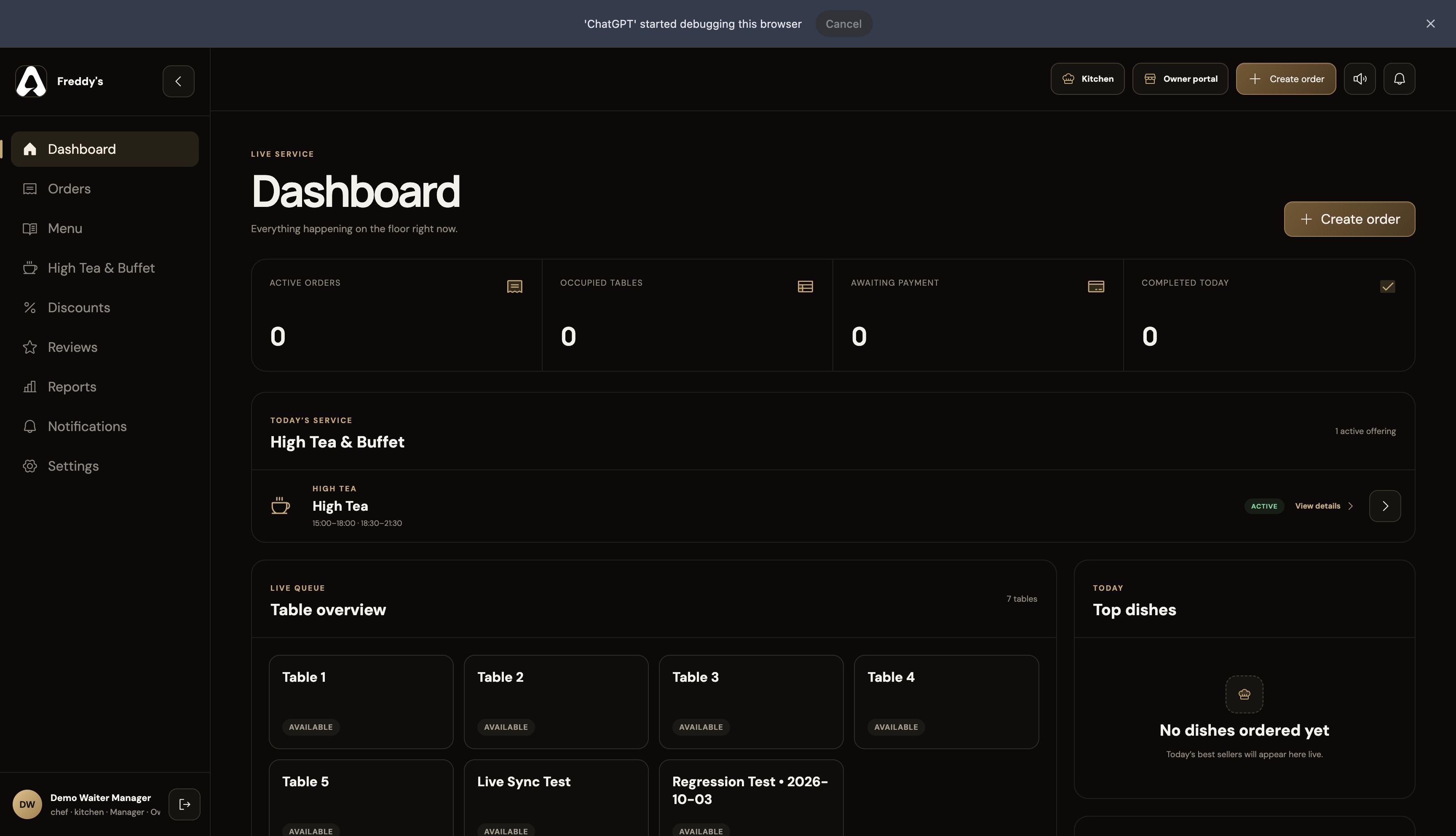
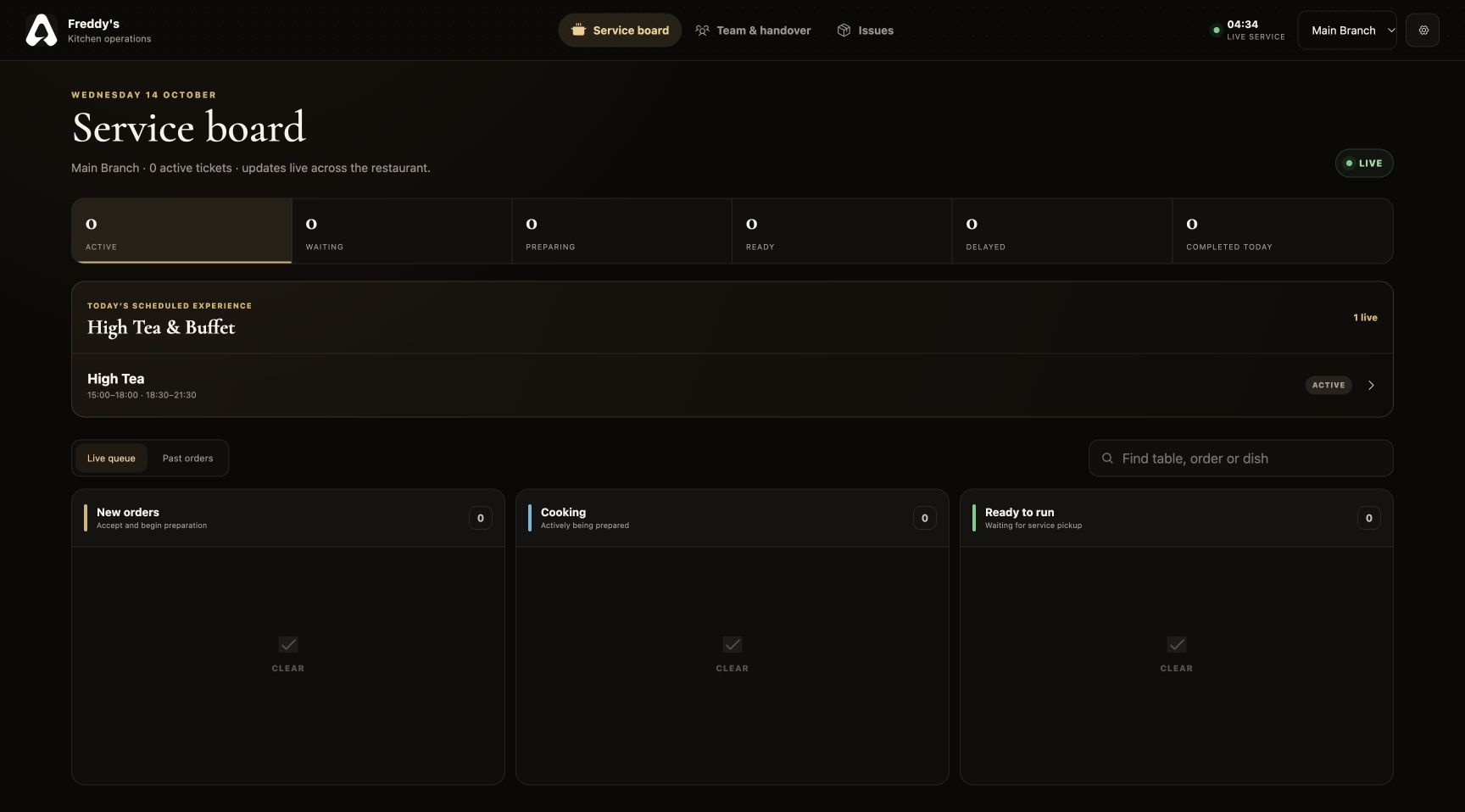
Connect each table to your restaurant’s digital menu. Guests scan, customize dishes and place orders that reach waiter and kitchen dashboards with For The Tabl.

01

The right menu, at the right table

Your table QR connects the restaurant, branch and table to the session. Branch-specific menus keep guests looking at the dishes available to them.

02

Instructions travel with the order

Selected options and special requests stay with the ordered items, giving the floor and kitchen the same information.

03

Service stays personal

A call-for-service action lets guests ask for assistance. Waiters still manage the table, edit orders and handle checkout.

04

A complete dining journey

The menu, basket, order status and dish reviews belong to one experience, styled with your restaurant’s branding.

BUILT FOR RESTAURANT BUSINESSES

Six perspectives.
One operation.

QR Ordering is part of a connected restaurant platform. Your menus, orders and service information support the people who need them.

FROM SETUP TO SERVICE

Make it part
of your day.

Set up your restaurant’s information, connect the right people and walk through a service before introducing it to guests.

Discuss your restaurant’s workflow ↗
  1. 01

    Configure your restaurant

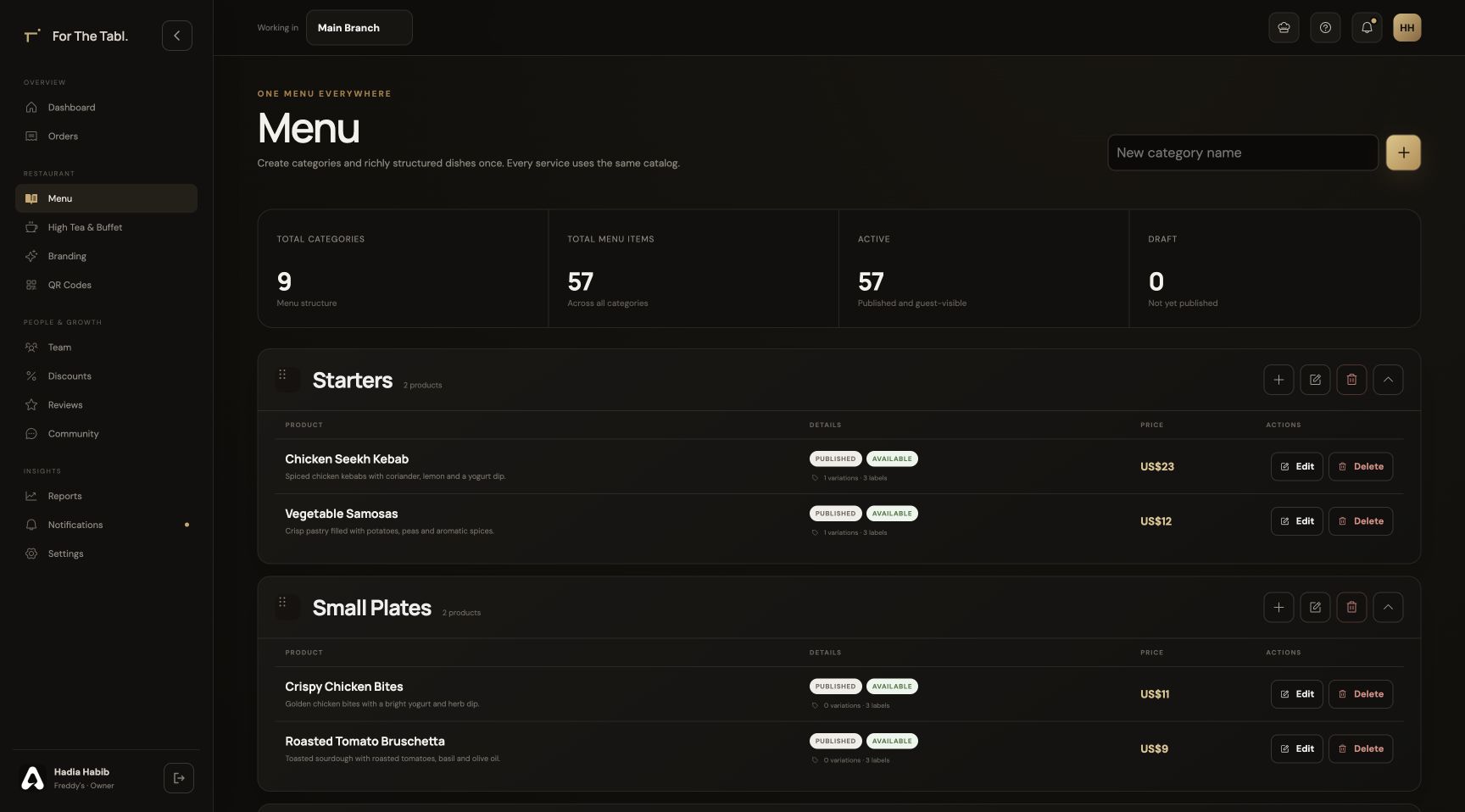
    Add your branch, menu, brand and tables in the Owner Portal.

  2. 02

    Bring your team together

    Assign roles and branches so each person opens the appropriate workspace.

  3. 03

    Run through the experience

    Check the journey from a table QR through ordering, preparation, service and checkout.

QR Ordering FAQ

A little more
clarity.

Talk to our team ↗
Do guests need to download an app to order?

No. Scanning the table QR opens the dining experience in a supported mobile browser. Guests can browse and order without installing an app.

How does the restaurant know which table placed an order?

The QR link identifies the restaurant’s table and its branch. Orders created in that dining session carry the table context into the staff and kitchen views.

Can waiters still help with a QR order?

Yes. QR orders and staff-created orders share the same restaurant order stream. Authorized staff can view the order, update it and complete checkout.

Can guests ask for help while using QR ordering?

Yes. The dining experience includes a call-for-waiter action. It sends a service request to the staff workspace for the table, keeping guests connected to your floor team.

What should I set up before putting QR codes on tables?

Add your restaurant and branch information, publish the appropriate menu, and create your dining tables and QR codes. Test a table link and an order with your staff before introducing the codes to guests.

LET’S SET YOUR TABLE

Great service starts
with a connection.

Register your restaurant Have a question? Let’s talk.