THE WHOLE RESTAURANT, CONNECTED

Owner PortalYour restaurant.
In perspective.

Bring the decisions behind a great service into one place. Set up your menu, support your teams and see how the restaurant is performing.

For restaurant owners and multi-branch operators

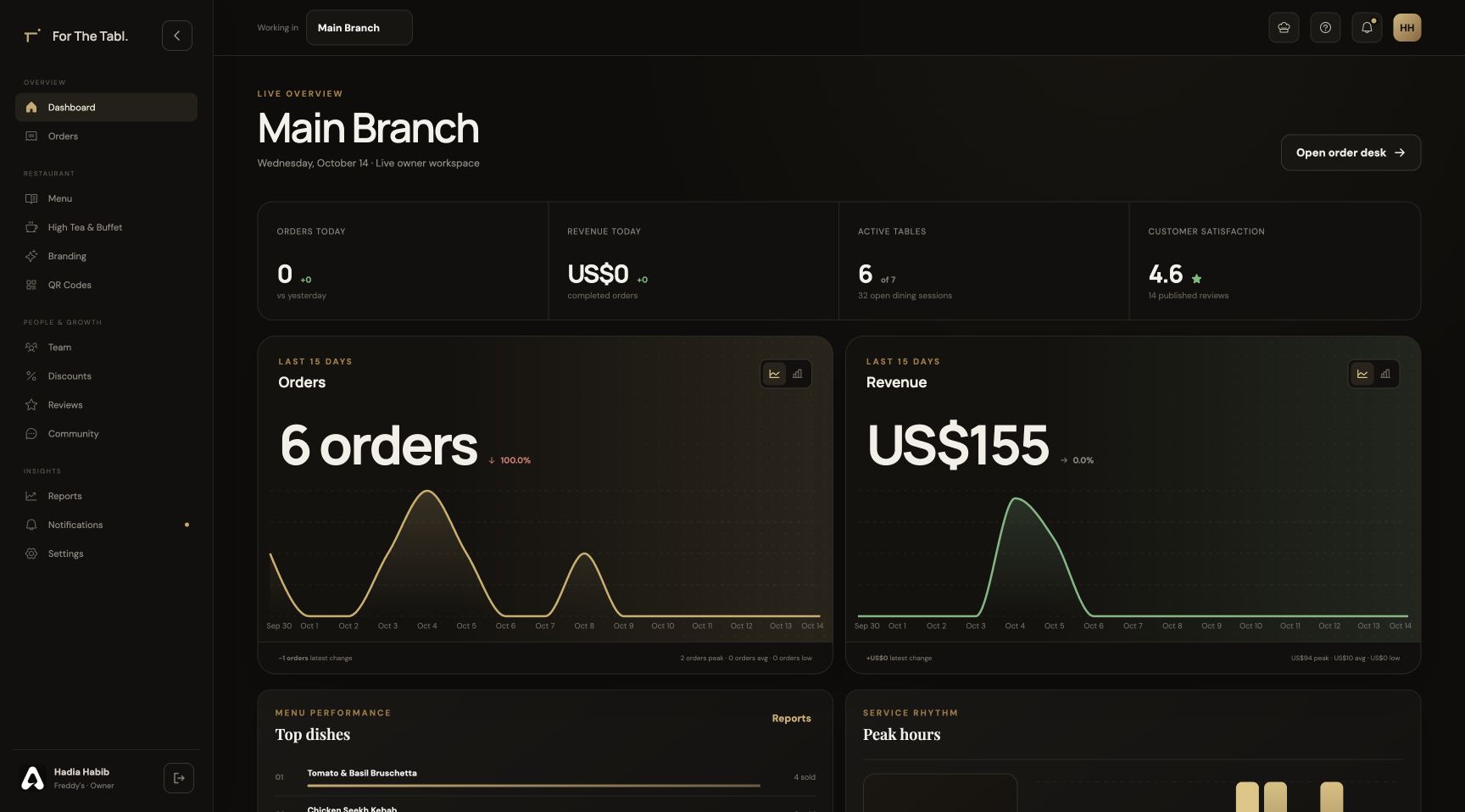
For The Tabl. Your restaurant at a glance interface

Owner Portal · FOR RESTAURANT BUSINESSES

What does the restaurant management system include?

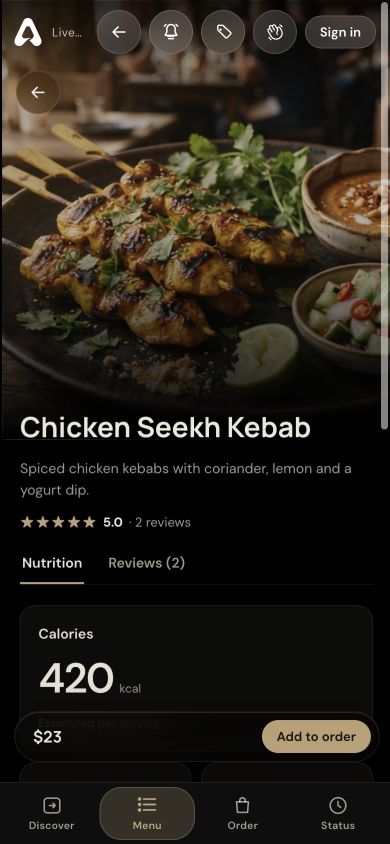
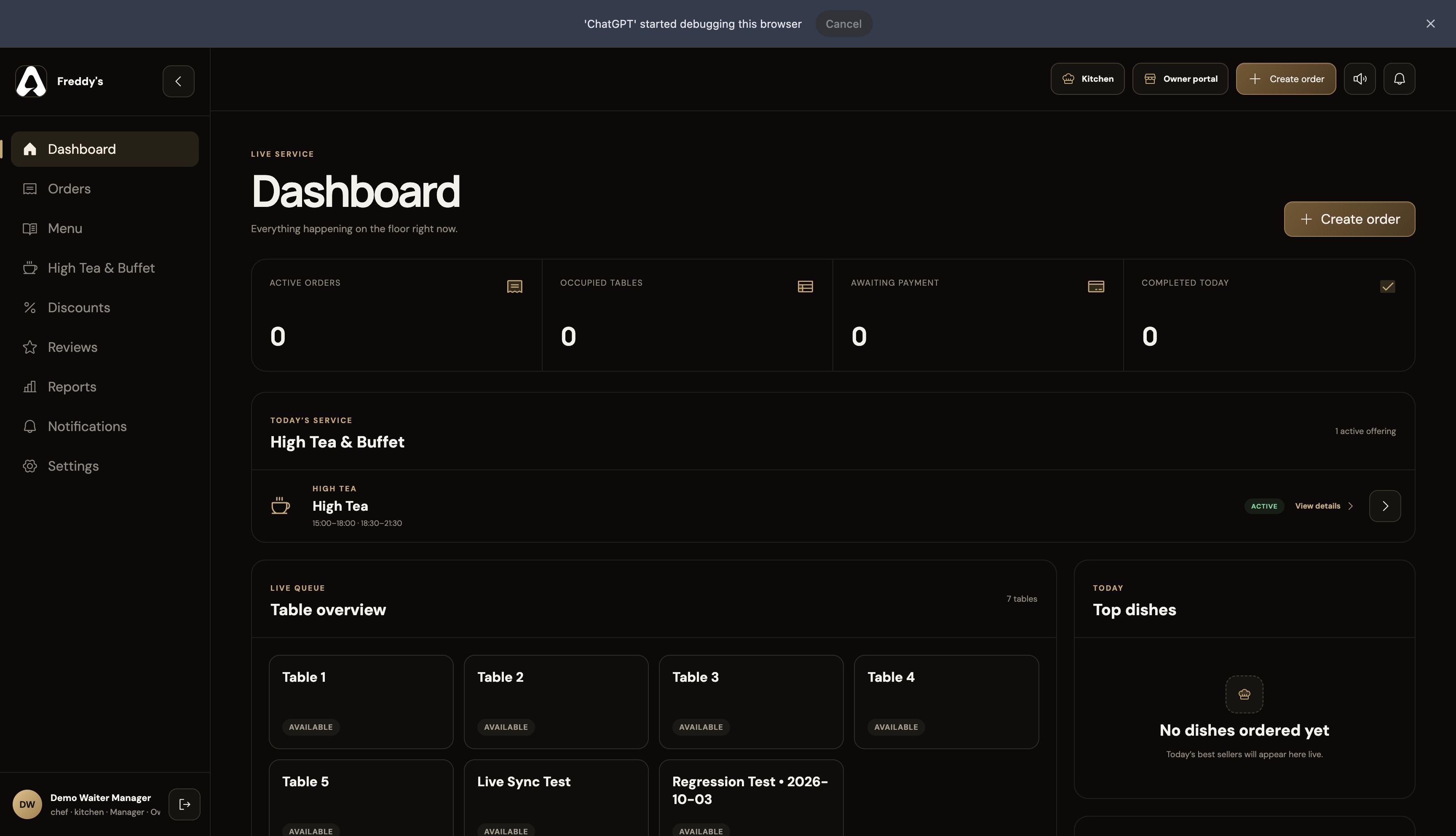
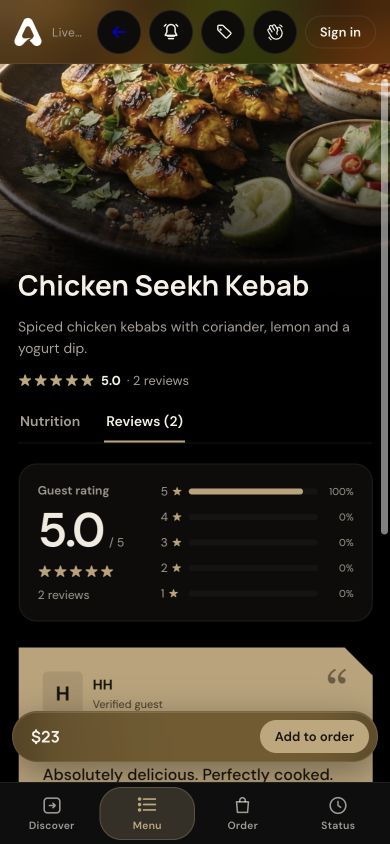
The For The Tabl. Owner Portal is a restaurant management workspace for menus, branches, team access, High Tea and buffet offerings, branding, table QR codes, orders, discounts, reviews and reporting. It supplies the restaurant configuration used by the guest, waiter and kitchen interfaces.

Owners manage the standards behind service in one place, assign the right people to the right branches and review operational records without treating each dashboard as a separate restaurant system.

Step inside the features
LOOK INSIDE OWNER PORTAL

Every moving part.One perspective.

SCROLL TO STEP INSIDE
Owner Portal / THE CONNECTED EXPERIENCE

Set the standards. See the service.

Give your restaurant a connected foundation—from the menu guests browse to the information your team uses.

See the features
For The Tabl. Your restaurant at a glance interface

THE CAPABILITIES, UP CLOSE

Restaurant management software for the whole operation.

Set the standards behind service and give each team the information it needs. One restaurant workspace connects menus, people, branches and reporting.

01 / Owner Portal

Build your restaurant

Set up the information every service view uses.

Build the restaurant’s catalog and brand once, then use that configuration across connected service interfaces. Manage everyday dishes and scheduled High Tea offerings.

  • Restaurant profile and branding
  • Menu categories and dish records
  • High Tea schedules and menus
  • Table QR code management
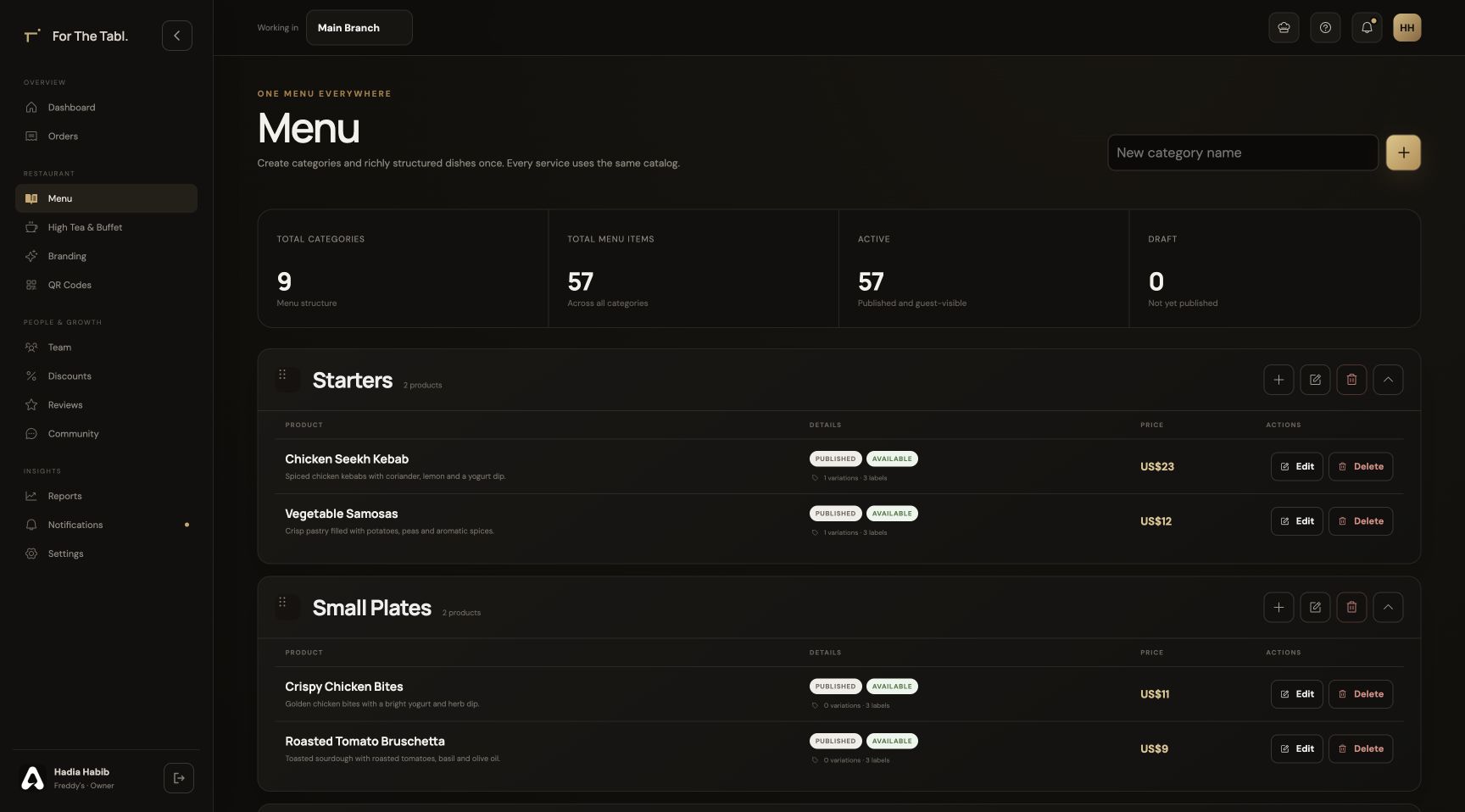
Owner Portal menu catalog and category management
Owner Portal · Build your restaurant · Product interface
02 / Owner Portal

Manage your teams

Give people access to the right restaurant context.

Keep identity and access under restaurant control. Assign staff to one or more branches, and choose shared or independent menus according to how each location operates.

  • Team member profiles and roles
  • Single or multiple branch assignments
  • Shared or independent branch menus
  • Account security settings
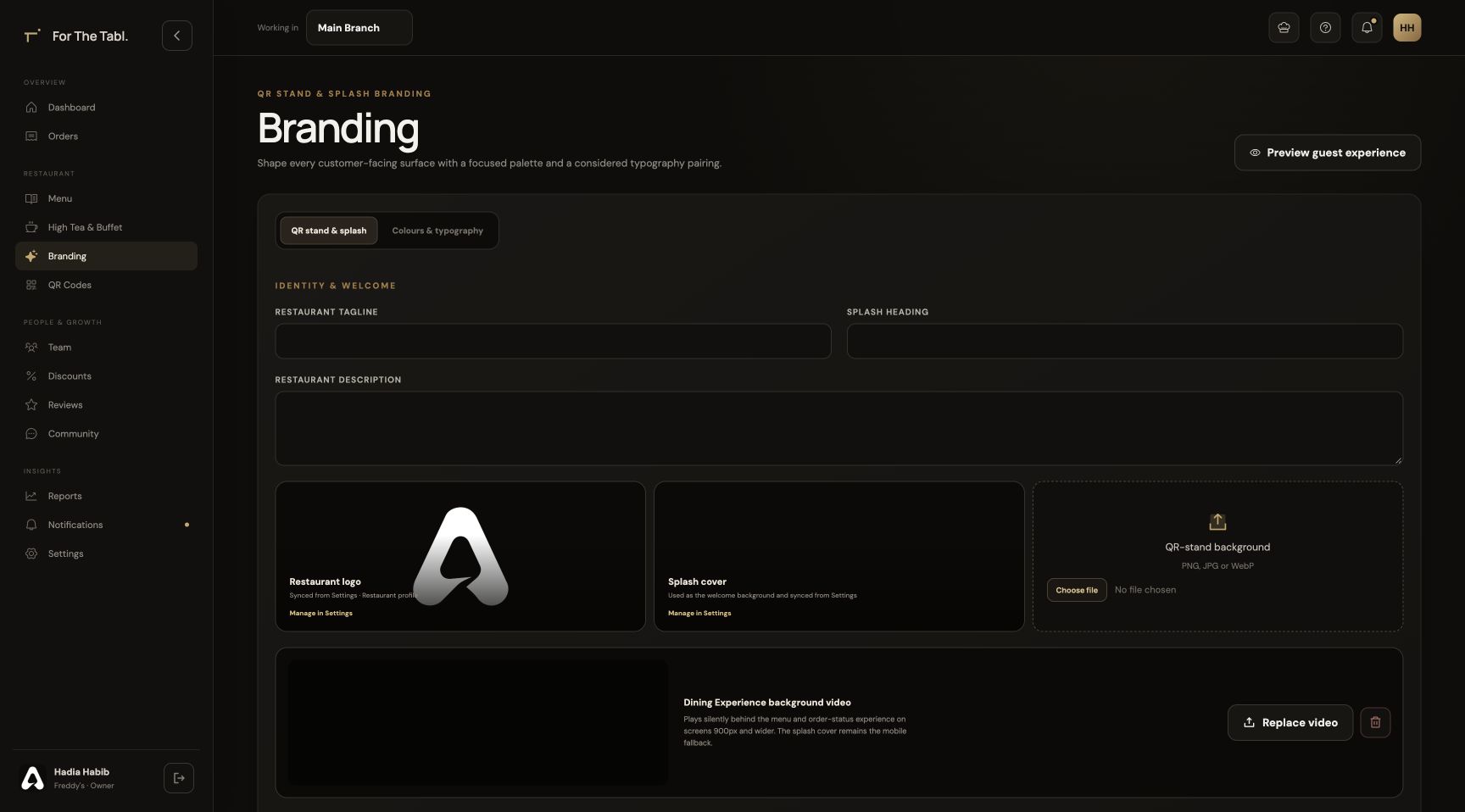
Restaurant branding configuration in the Owner Portal
Owner Portal · Manage your teams · Product interface
03 / Owner Portal

Understand service

Bring operational information back to management.

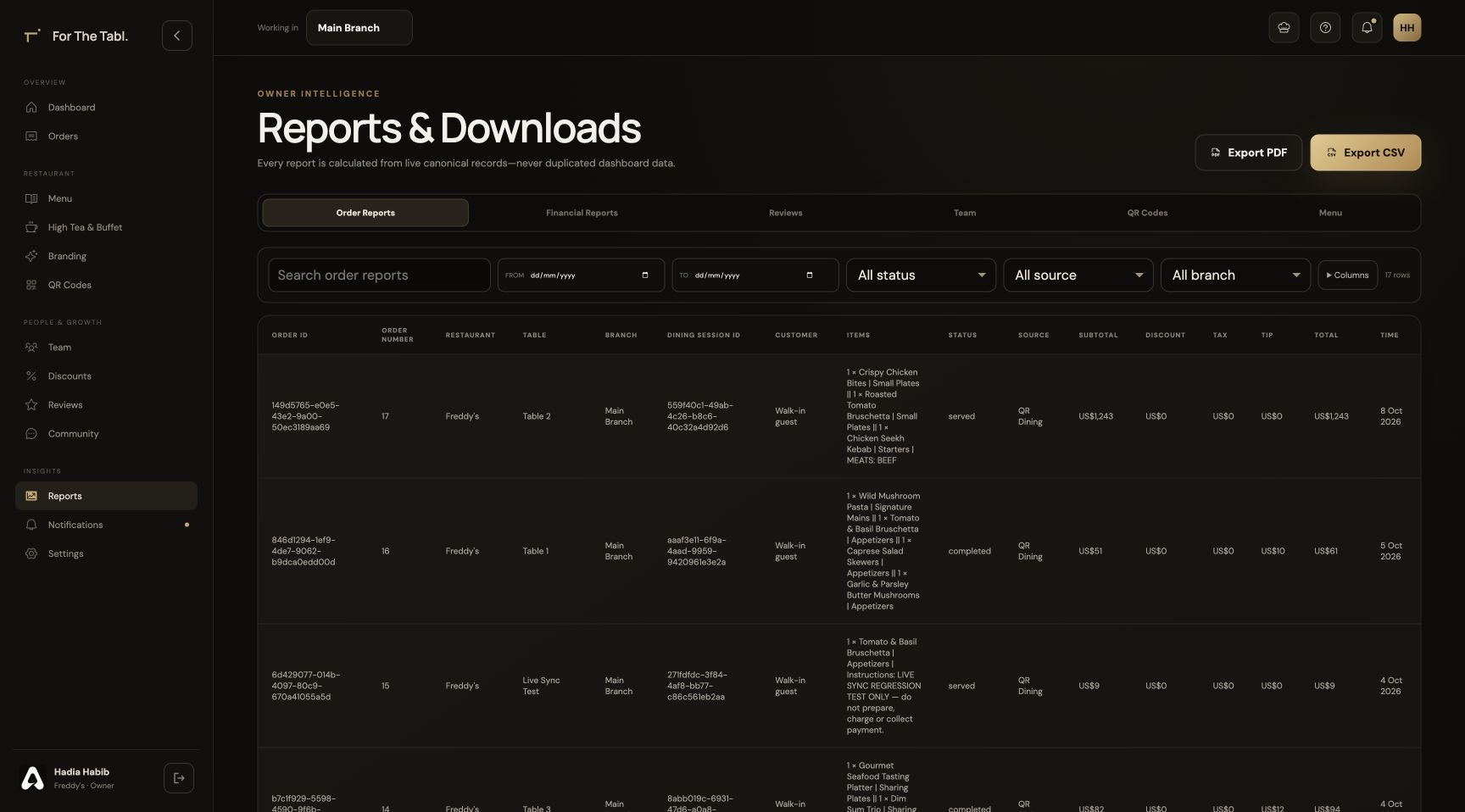
Inspect order details and date-filtered reports alongside guest reviews and kitchen issues. Use recognizable exports to follow up on individual service records.

  • Order details and status management
  • Date-filtered reports and exports
  • Reviews and kitchen issues
  • Discounts and promotions
Owner reports and downloadable restaurant records
Owner Portal · Understand service · Product interface

A CLOSER LOOK

Made for the way
service happens.

Follow the workflow. See where Owner Portal fits into your restaurant’s day.

STEP 01

Build the essentials

Create your restaurant profile, brand the dining experience and add menu categories and dishes.

Owner Portal
The live Owner Portal showing menu categories, dishes, prices and management controls

THE DETAILS THAT MATTER

Everything has
its place.

Manage menus, branches, teams, QR codes, offers and restaurant reporting in one connected Owner Portal from For The Tabl.

01

A structured menu

Manage dishes, category order, media, prices, variations, dietary details and preparation notes, along with scheduled High Tea offerings.

02

Branches without the confusion

Assign staff to one or more branches and configure shared or independent menus for the locations you operate.

03

Your brand at the table

Customize restaurant colors, typography and QR stand copy. Restaurant identity carries into the guest experience.

04

Operations you can follow

Inspect order details, filter reports by date and export recognizable records. Reviews and kitchen issues keep guest and team feedback visible.

BUILT FOR RESTAURANT BUSINESSES

Six perspectives.
One operation.

Owner Portal is part of a connected restaurant platform. Your menus, orders and service information support the people who need them.

FROM SETUP TO SERVICE

Make it part
of your day.

Set up your restaurant’s information, connect the right people and walk through a service before introducing it to guests.

Discuss your restaurant’s workflow ↗
  1. 01

    Configure your restaurant

    Add your branch, menu, brand and tables in the Owner Portal.

  2. 02

    Bring your team together

    Assign roles and branches so each person opens the appropriate workspace.

  3. 03

    Run through the experience

    Check the journey from a table QR through ordering, preparation, service and checkout.

Owner Portal FAQ

A little more
clarity.

Talk to our team ↗
What does the restaurant management system include?

The Owner Portal brings together menu management, High Tea, branding, table QR codes, team access, discounts, reviews, orders, reports and restaurant settings.

Can I manage several branches?

Yes. Restaurants can add branches, assign staff access and configure how menus are shared between locations.

How do the other products connect?

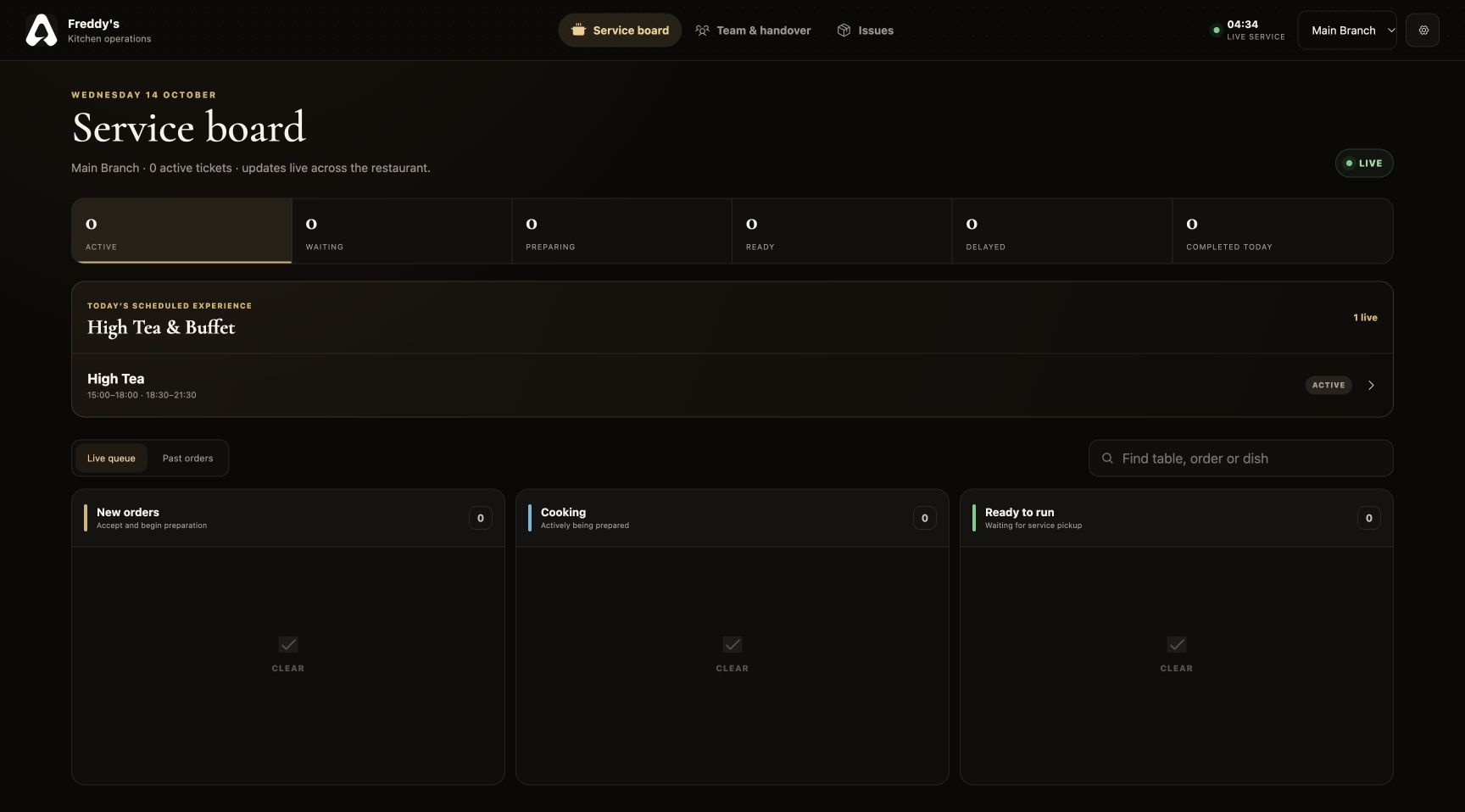
The Owner Portal supplies the restaurant configuration used by QR Ordering, Swipe Menu, Waiter POS and Kitchen Display. These interfaces work with the restaurant’s shared data.

Can I assign different staff members to different branches?

Yes. Team members can be assigned to one or several branches. Their operational workspace uses those assignments to determine the restaurant information they can access.

Can I brand the digital menu and table QR stands?

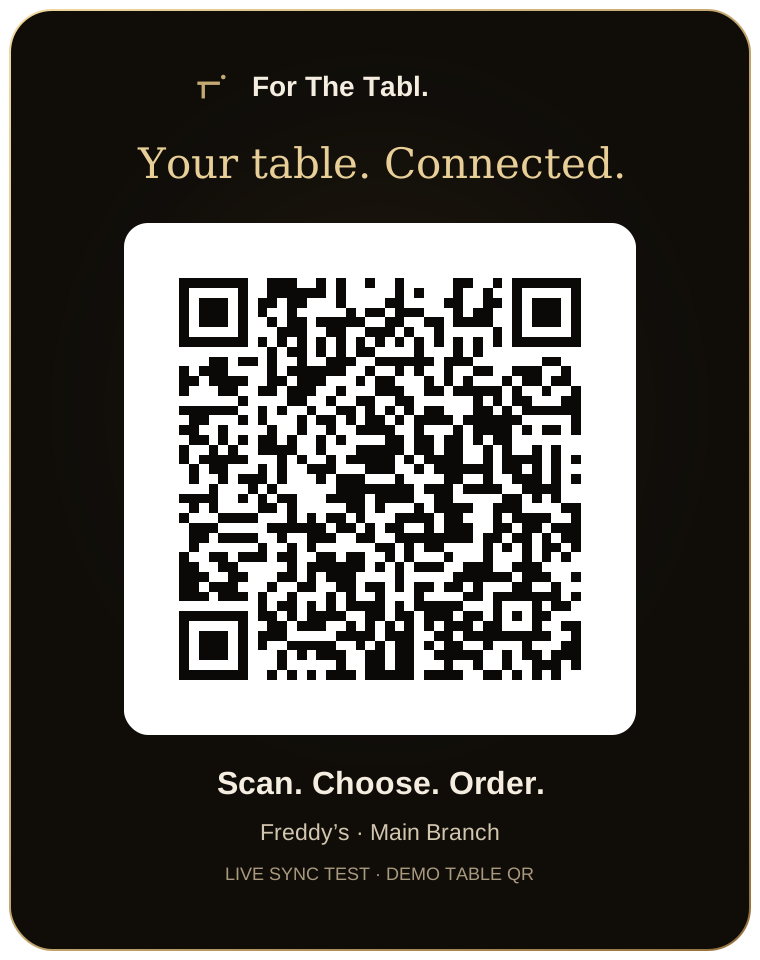
Yes. Branding settings let you configure the restaurant’s visual identity and QR stand copy. The restaurant profile supplies the logo and other shared identity information.

LET’S SET YOUR TABLE

Great service starts
with a connection.

Register your restaurant Have a question? Let’s talk.