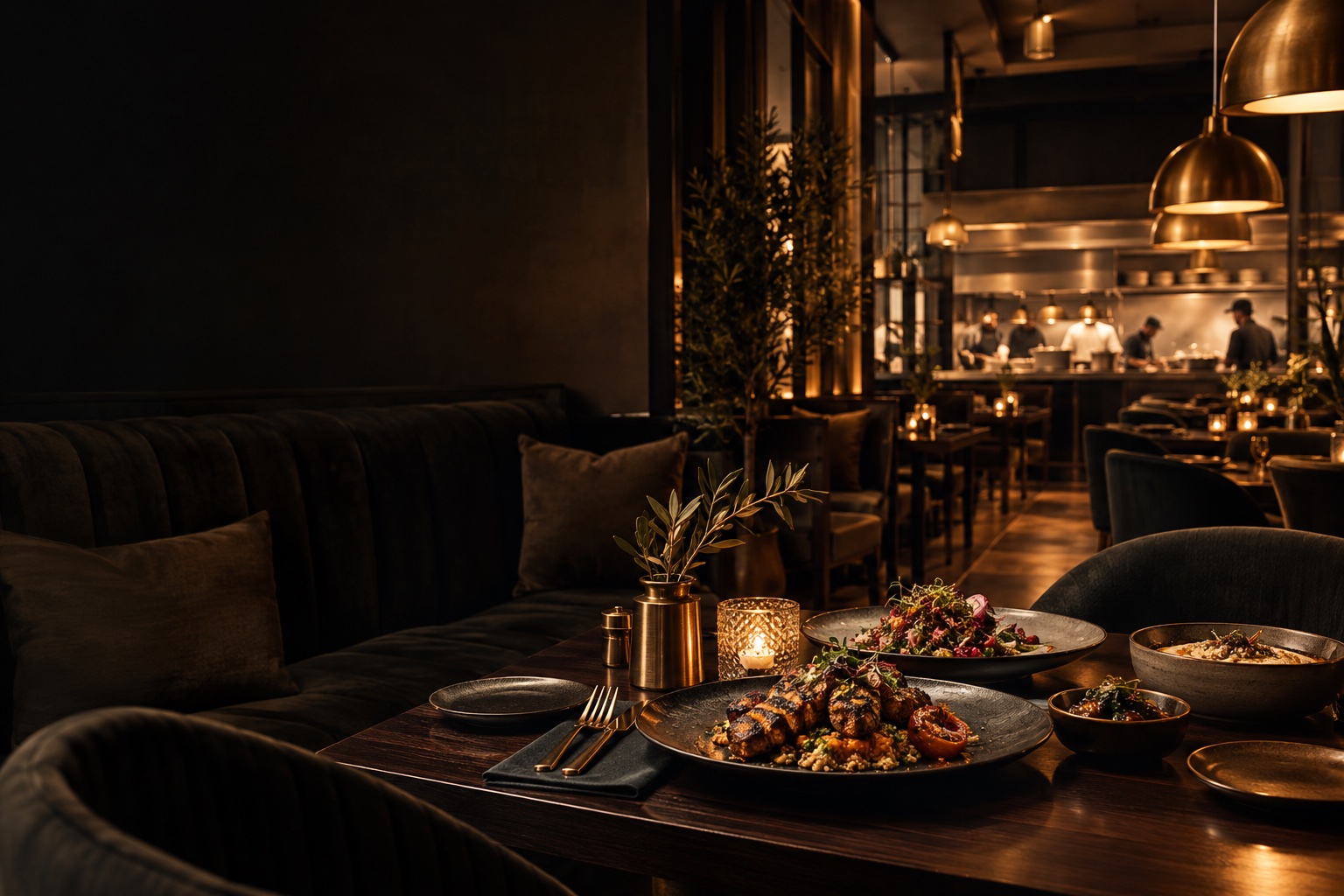
FEEDBACK WITH SOMETHING TO SAY

Dish ReviewsEvery dish
has a story.

Bring guest feedback closer to the food. Dish-level reviews help your team understand the plates people enjoy and give future guests more context.

For restaurants listening to their guests

For The Tabl. Dish-level review summaries interface

Dish Reviews · FOR RESTAURANT BUSINESSES

What are dish-level restaurant reviews?

Dish-level reviews connect a guest’s rating, written feedback and photos to individual menu items rather than only to the restaurant overall. For The Tabl. invites feedback after checkout, displays dish rating summaries and lets owners filter reviews by dish, branch, rating and month.

Owners can examine feedback at the level where menu decisions happen. Eligible guest photos can become dish showcase images with the available contributor name or handle retained.

Step inside the features
LOOK INSIDE DISH REVIEWS

Hear the evening.Understand the dish.

SCROLL TO STEP INSIDE
Dish Reviews / THE CONNECTED EXPERIENCE

Feedback with something to point to.

Move beyond an overall score and explore what guests experienced on the plate.

See the features
For The Tabl. Dish-level review summaries interface

THE CAPABILITIES, UP CLOSE

Restaurant guest feedback, down to the dish.

Make feedback useful to the people shaping your menu. Connect the experience of a visit to the dishes served and the branch that served them.

01 / Dish Reviews

An invitation after dining

Ask for feedback at a natural moment in the visit.

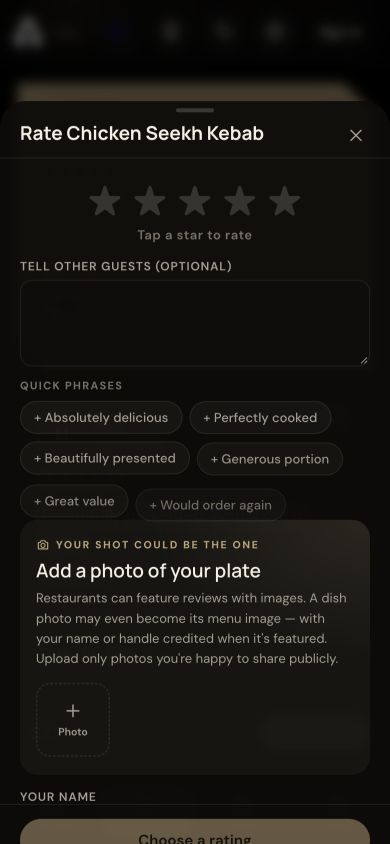
Invite feedback at the end of the visit. Guests can connect a review to one or several dishes and include photos of their experience.

  • Completed-checkout review invitation
  • Individual or multiple dish selection
  • Ratings and written feedback
  • Guest image uploads
Post-dining dish rating form with guest photo upload
Dish Reviews · An invitation after dining · Product interface
02 / Dish Reviews

A richer dish page

Let diners explore feedback alongside the food.

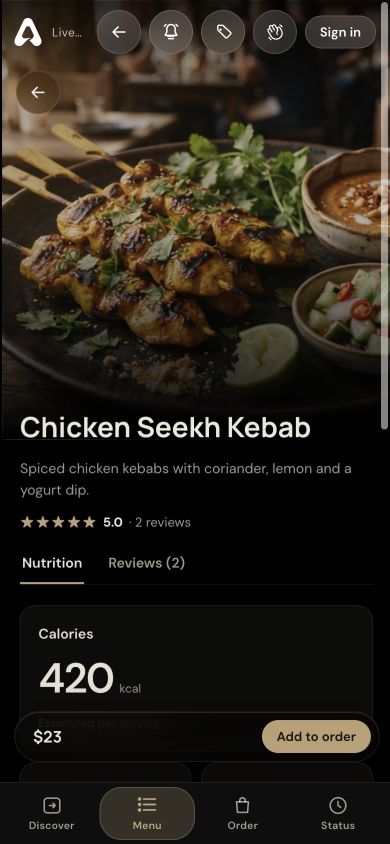
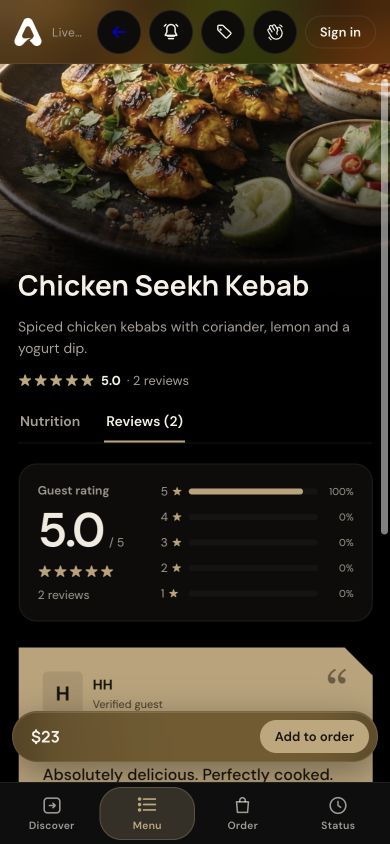
Put ratings and written feedback beside the dish. Compact photo thumbnails can be opened for a closer look without overwhelming the page.

  • Dish rating summary
  • Rating distribution
  • Review cards and contributor names
  • Expandable image thumbnails
Dish rating summary, distribution and guest review cards
Dish Reviews · A richer dish page · Product interface
03 / Dish Reviews

An owner’s perspective

Turn individual feedback into menu context.

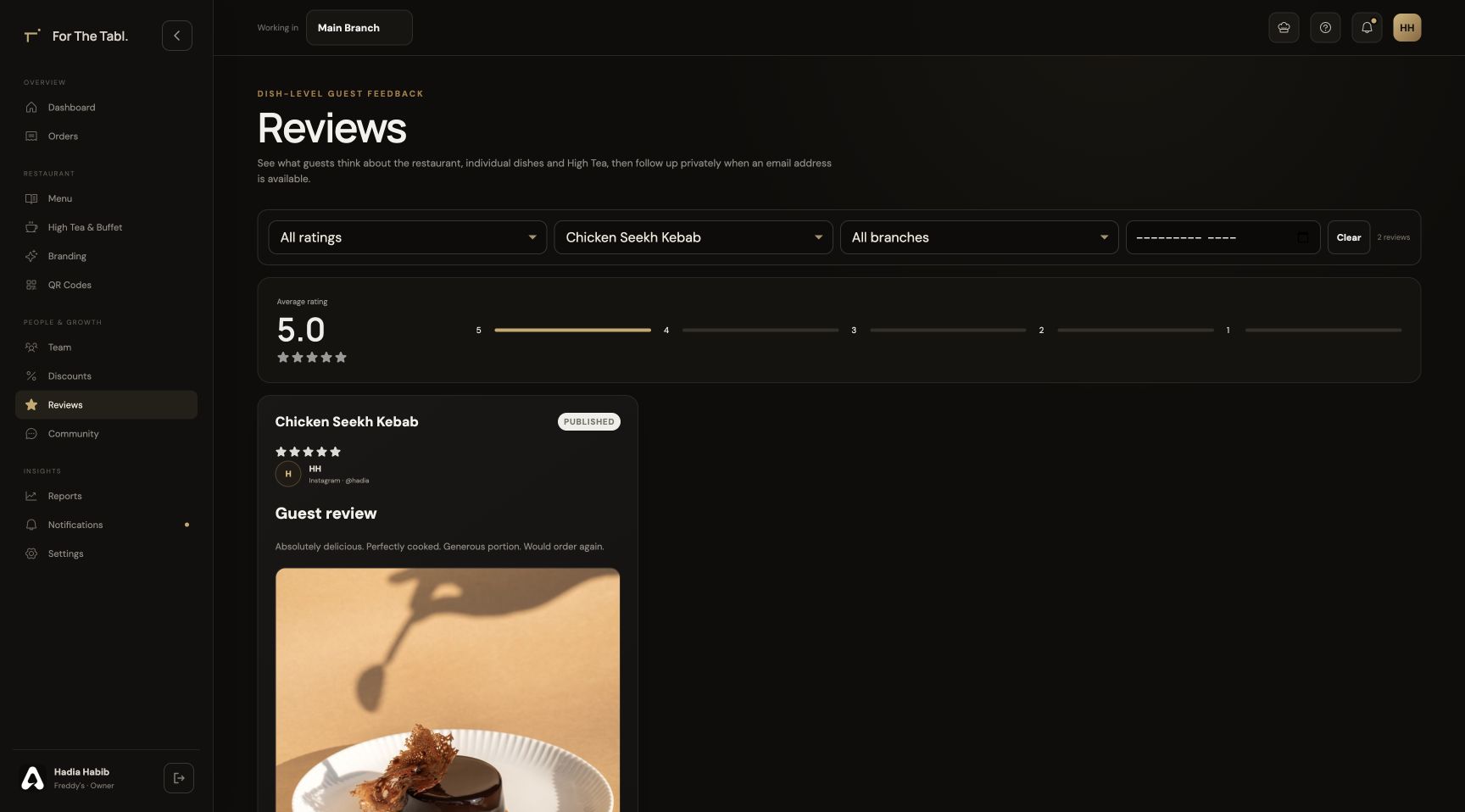
Review feedback in the context of a particular dish and branch. Feature an appropriate guest image while preserving its available attribution.

  • Central review management
  • Branch filters
  • Dish-specific feedback
  • Featured guest photos with attribution
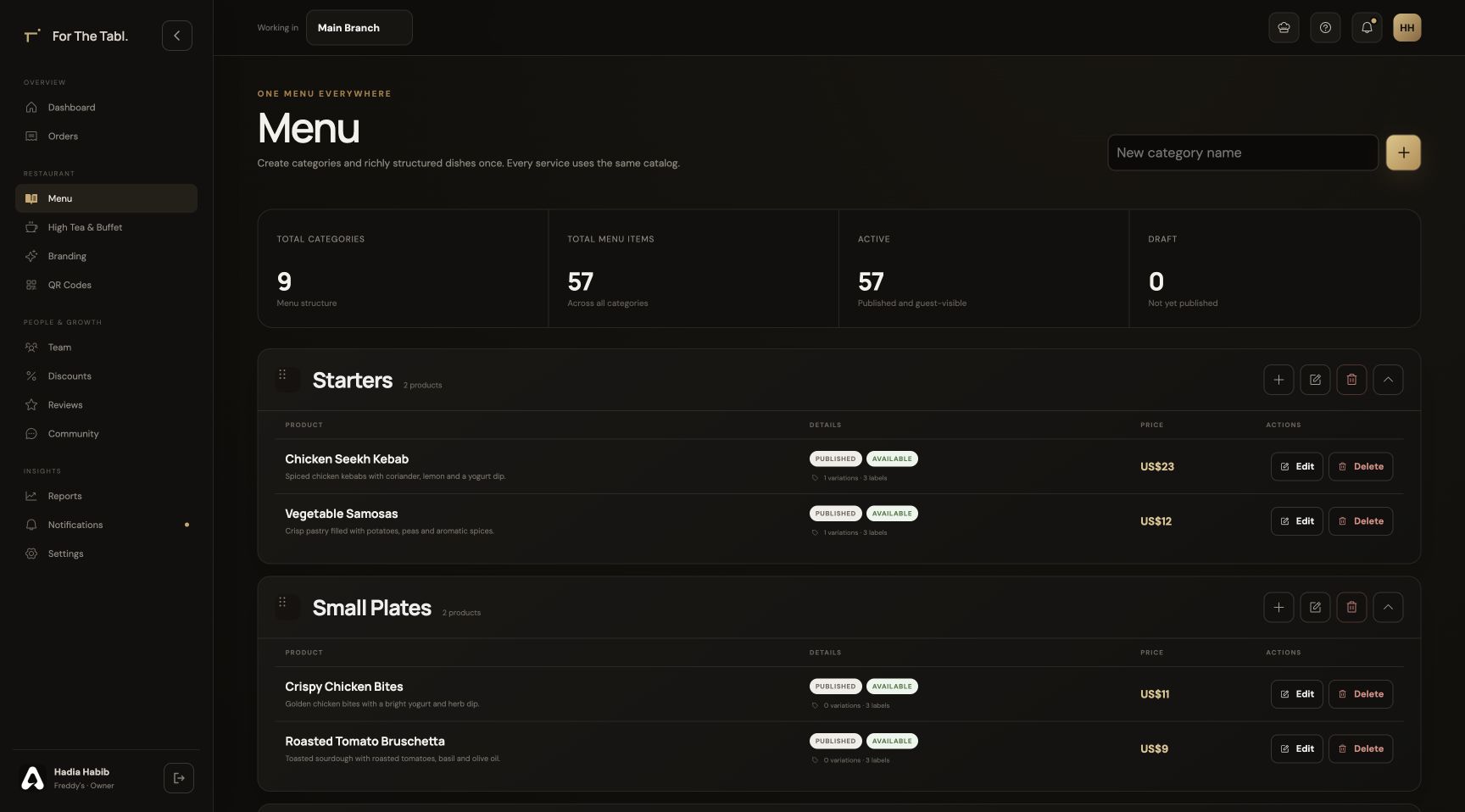
Owner reviews filtered by dish with contributor attribution
Dish Reviews · An owner’s perspective · Product interface

A CLOSER LOOK

Made for the way
service happens.

Follow the workflow. See where Dish Reviews fits into your restaurant’s day.

STEP 01

Invite feedback after dining

The completed-checkout experience invites guests to share how their meal went.

Dish Reviews
The live dish review interface showing a rating summary, rating distribution and guest review cards

THE DETAILS THAT MATTER

Everything has
its place.

Collect feedback on the dishes guests actually ordered. Explore ratings, guest photos and dish-level reviews with For The Tabl.

01

A rating with context

Feedback belongs to the dishes from the dining experience, giving your team a more useful signal than an isolated overall score.

02

Guest photos, thoughtfully displayed

Compact review images open into a larger view, letting guests inspect the food without overwhelming the review layout.

03

Recognition for contributors

Owners can choose a review image as a dish’s showcase image, keeping the contributor’s available name or handle with it.

04

Branch-aware feedback

Reviews retain their branch context so owners can filter feedback and understand which location a guest experienced.

BUILT FOR RESTAURANT BUSINESSES

Six perspectives.
One operation.

Dish Reviews is part of a connected restaurant platform. Your menus, orders and service information support the people who need them.

FROM SETUP TO SERVICE

Make it part
of your day.

Set up your restaurant’s information, connect the right people and walk through a service before introducing it to guests.

Discuss your restaurant’s workflow ↗
  1. 01

    Configure your restaurant

    Add your branch, menu, brand and tables in the Owner Portal.

  2. 02

    Bring your team together

    Assign roles and branches so each person opens the appropriate workspace.

  3. 03

    Run through the experience

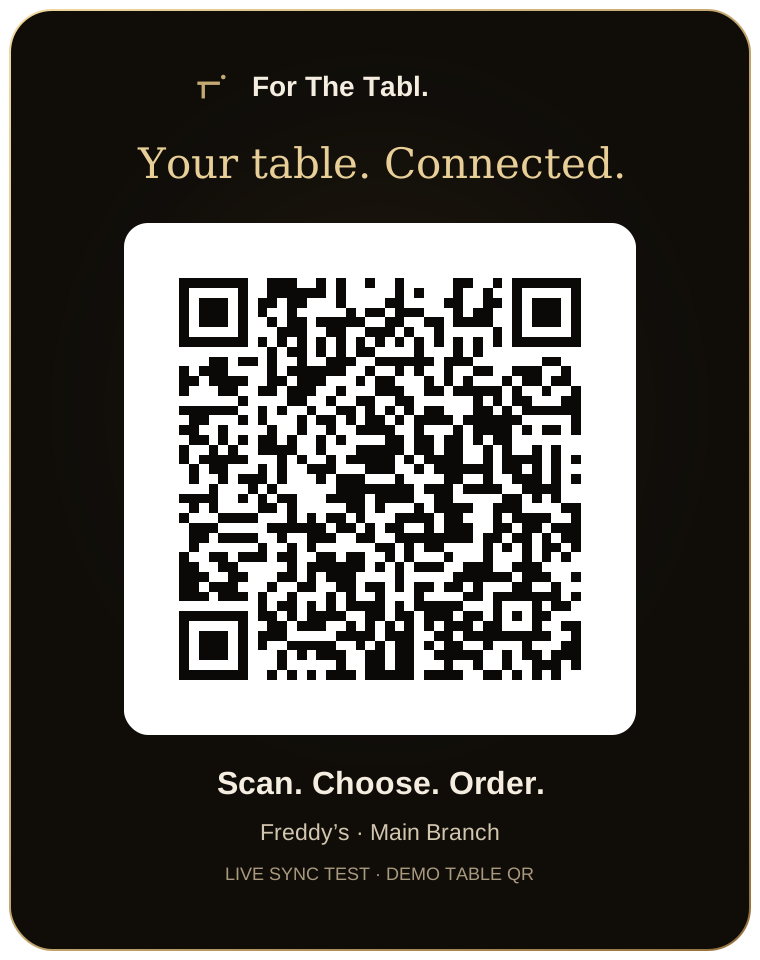
    Check the journey from a table QR through ordering, preparation, service and checkout.

Dish Reviews FAQ

A little more
clarity.

Talk to our team ↗
Can a guest review more than one dish?

Yes. The review flow supports selecting dishes from the order. A whole-meal review can apply to the dishes in that meal.

Can guests include images?

Yes. Reviews can include multiple images. Guests see compact thumbnails and can open a photo for a full view.

Where can the restaurant manage its reviews?

The Owner Portal brings reviews together with filters, including branch context, and controls for featuring appropriate dish images.

When are guests asked to leave feedback?

The dining experience invites guests to review their meal after checkout is completed. They can connect feedback to the dishes they ordered.

Can guest review photos become a menu image?

Owners can select an eligible review photo as a showcase image for the reviewed dish. The available contributor name or handle stays with the featured image.

LET’S SET YOUR TABLE

Great service starts
with a connection.

Register your restaurant Have a question? Let’s talk.