
LET THE FOOD DO THE TALKING

Swipe MenuA menu worth
looking through.

Turn a list of dishes into an experience. Give guests the photos, ingredients and choices they need to find something they will love.

For restaurants with a story behind every dish

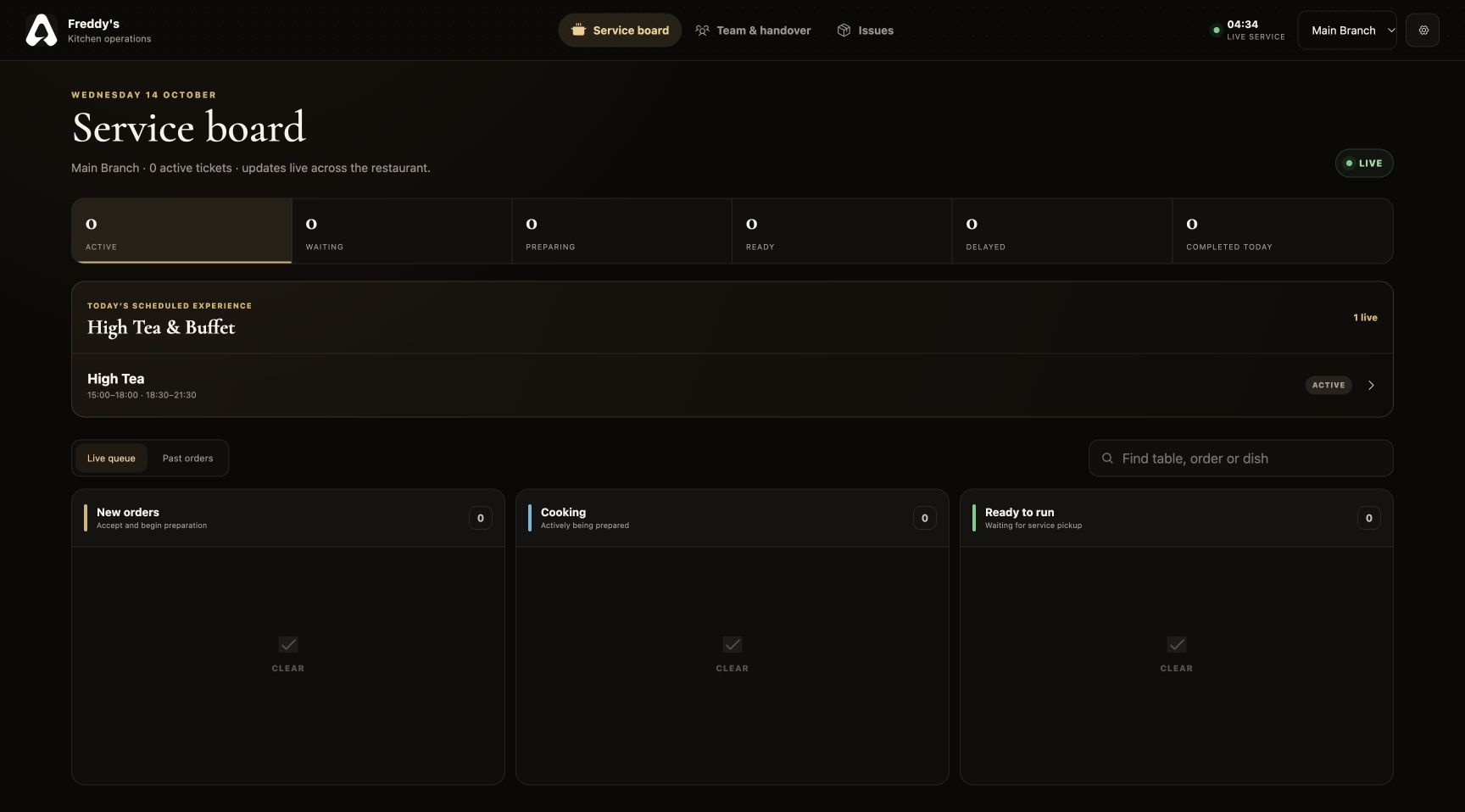
For The Tabl. The dish, in detail interface

Swipe Menu · FOR RESTAURANT BUSINESSES

What is a visual digital menu for restaurants?

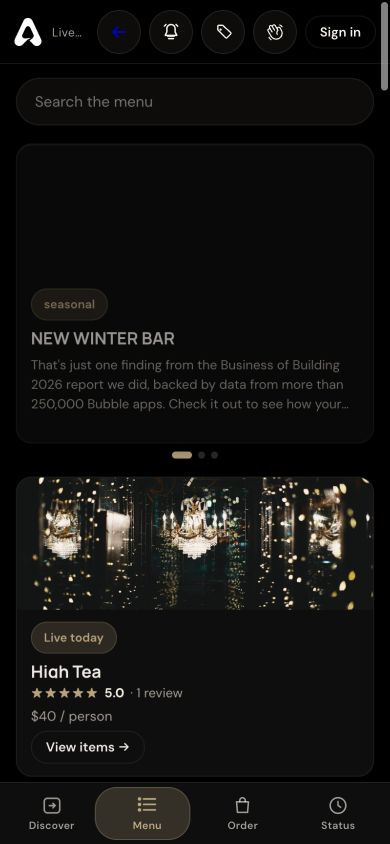
For The Tabl. Swipe Menu is an interactive digital restaurant menu, not a static PDF. It combines category browsing, dish photography, descriptions, prices, variations, ingredients, dietary information and reviews, using the catalog maintained in the Owner Portal.

Owners can organize how the menu is presented and maintain the dish information used by guests and service teams. Locations can use a shared menu or branch-specific menus.

Step inside the features
LOOK INSIDE SWIPE MENU

More than a menu.A closer look.

SCROLL TO STEP INSIDE
Swipe Menu / THE CONNECTED EXPERIENCE

Let every dish make its introduction.

Make the food easier to explore, and keep the details behind it within reach.

See the features
For The Tabl. The dish, in detail interface

THE CAPABILITIES, UP CLOSE

A digital restaurant menu with room for every detail.

Present the menu as an extension of your hospitality. Structured dish information gives diners confidence and keeps the floor team informed.

01 / Swipe Menu

Visual discovery

Help diners explore the food in the order you choose.

Present categories in the sequence you choose. Photography, descriptions and prices help guests explore what your restaurant serves.

  • Photography-led dish views
  • Owner-controlled category order
  • Descriptions and prices
  • High Tea and buffet offerings
Digital restaurant menu organized into owner-defined categories
Swipe Menu · Visual discovery · Product interface
02 / Swipe Menu

Thoughtful dish details

Give guests the information your team has prepared.

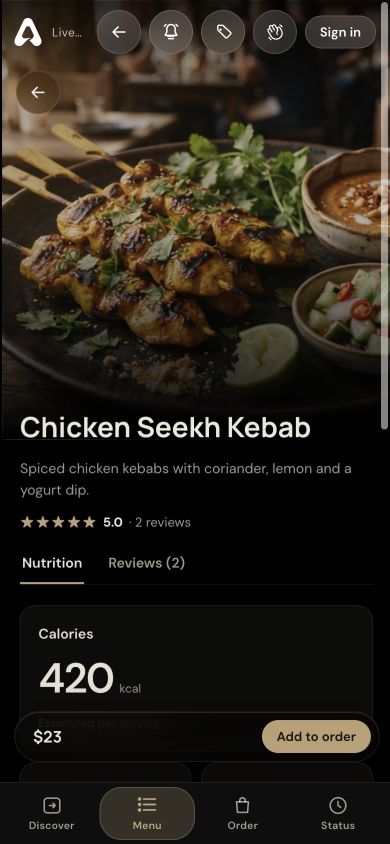
Give guests a place to read the information behind a dish. Your team should verify ingredients, allergy cautions and nutrition before publishing them.

  • Ingredients and allergy cautions
  • Dietary labels
  • Nutrition information
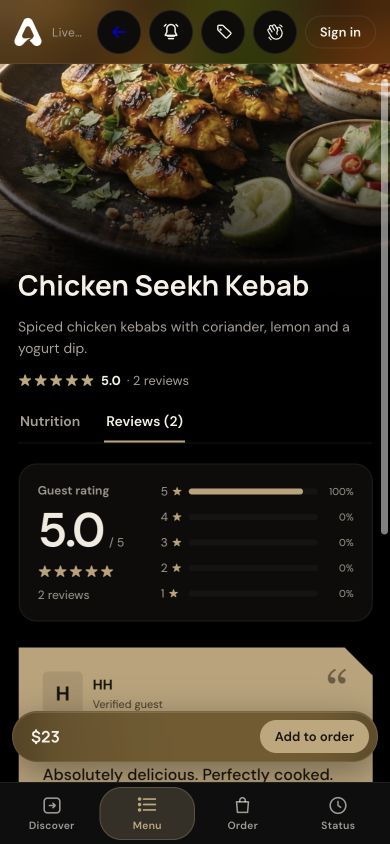
  • Guest ratings and review images
Dish detail screen with photography, description and nutrition
Swipe Menu · Thoughtful dish details · Product interface
03 / Swipe Menu

A menu your team controls

Manage changes from the restaurant workspace.

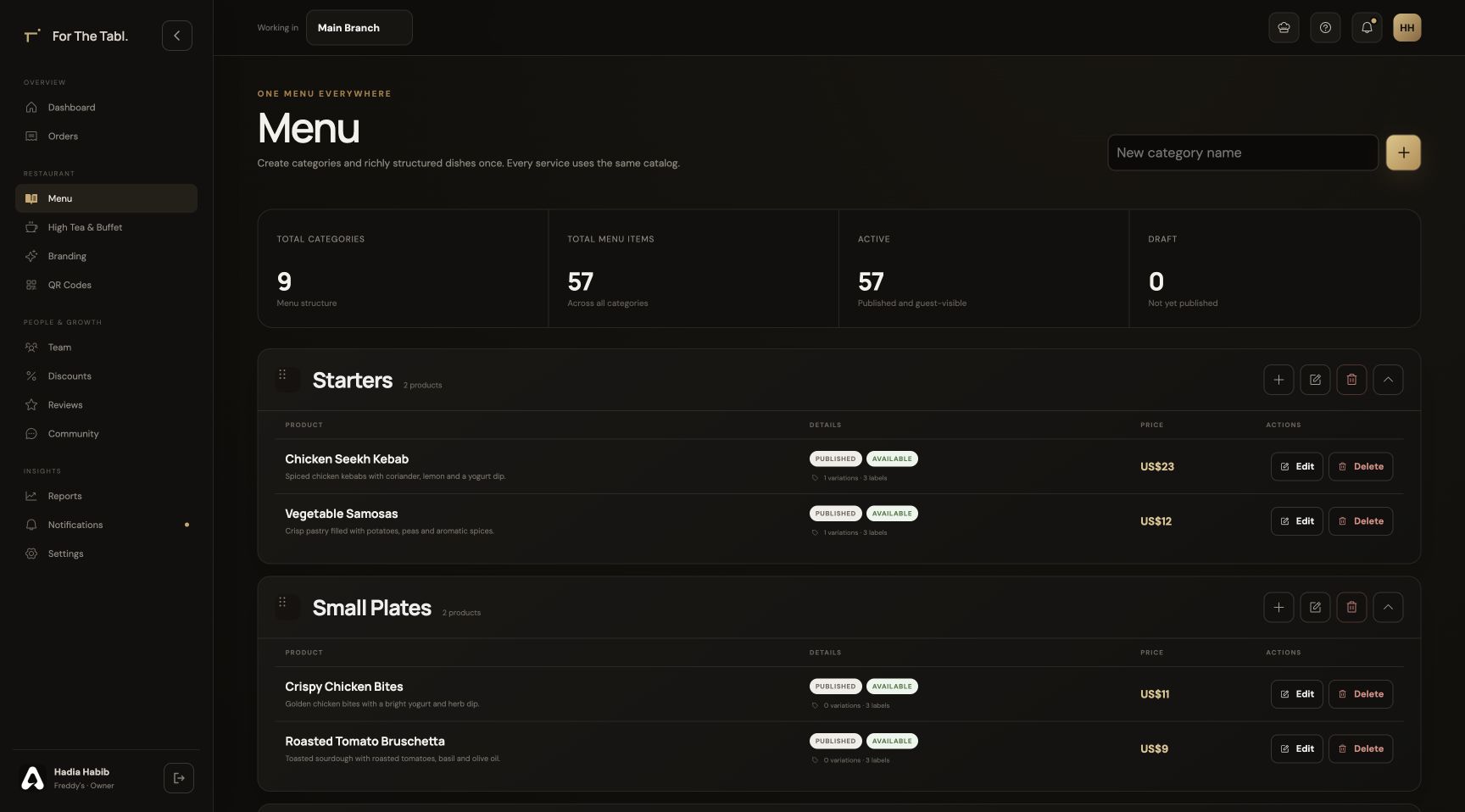
Maintain a structured menu instead of updating separate files for each service view. Publishing, availability and branch settings keep the catalog under restaurant control.

  • Availability and publishing controls
  • Dish variations and pricing
  • Shared or branch-specific menus
  • Consistent information across service views
Owner menu management with categories and dishes
Swipe Menu · A menu your team controls · Product interface

A CLOSER LOOK

Made for the way
service happens.

Follow the workflow. See where Swipe Menu fits into your restaurant’s day.

STEP 01

Build your menu

Add categories, dishes, photography, prices and the information guests need in the Owner Portal.

Swipe Menu
The live Swipe Menu with dish photography, description, dietary information and ordering controls

THE DETAILS THAT MATTER

Everything has
its place.

A visual digital menu for restaurants with dish photography, categories, ingredients, dietary details and variations. Manage it once in For The Tabl.

01

Photography comes first

Dish images make discovery immediate. Detailed views give each plate space for its description, pricing and available options.

02

A clear category hierarchy

Your category order carries through to the dining menu, so starters, mains and desserts appear in the sequence you choose.

03

More informed choices

Publish ingredients, dietary labels, allergy cautions and nutrition values from your dish records. Guests can read the details before ordering.

04

One menu, connected teams

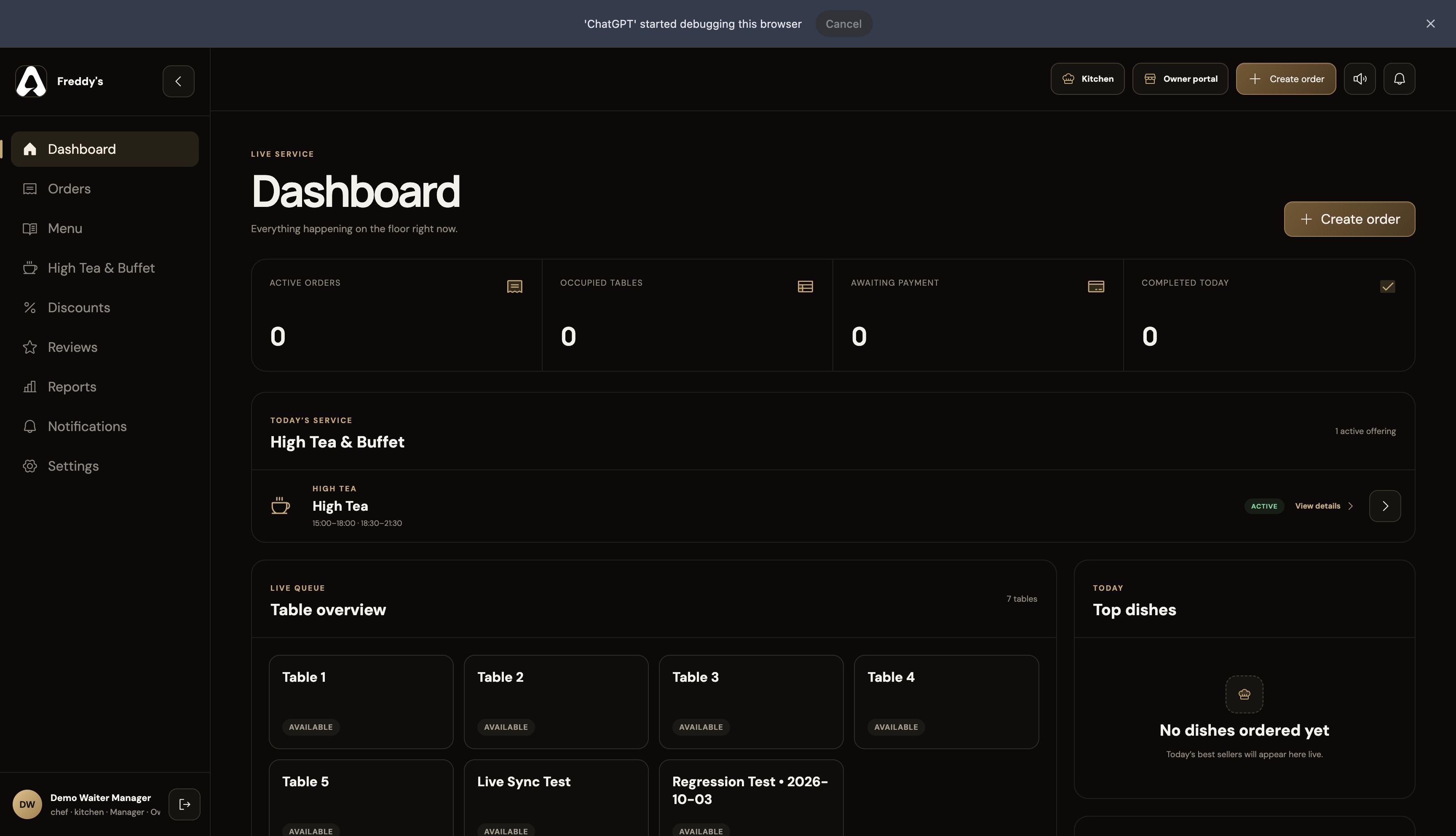
The same dish information supports guests, waiters and the kitchen. Branch assignments let locations share a menu or use their own.

BUILT FOR RESTAURANT BUSINESSES

Six perspectives.
One operation.

Swipe Menu is part of a connected restaurant platform. Your menus, orders and service information support the people who need them.

FROM SETUP TO SERVICE

Make it part
of your day.

Set up your restaurant’s information, connect the right people and walk through a service before introducing it to guests.

Discuss your restaurant’s workflow ↗
  1. 01

    Configure your restaurant

    Add your branch, menu, brand and tables in the Owner Portal.

  2. 02

    Bring your team together

    Assign roles and branches so each person opens the appropriate workspace.

  3. 03

    Run through the experience

    Check the journey from a table QR through ordering, preparation, service and checkout.

Swipe Menu FAQ

A little more
clarity.

Talk to our team ↗
Is this a PDF menu?

No. The Swipe Menu is an interactive digital menu with individual dish pages, photos, structured information and ordering options.

Can each branch have a different menu?

Yes. Menu configuration supports branch-specific menus and sharing the main branch’s menu where locations serve the same dishes.

Who controls ingredients and dietary information?

The restaurant enters and maintains those details in the Owner Portal. Your team should verify them against its recipes and preparation practices before publishing.

Can I change the order of menu categories?

Yes. The owner controls category order in menu management. The dining experience uses that sequence, allowing you to organize starters, mains, drinks and desserts for your restaurant.

Can a dish have different sizes or extras?

Yes. Dish variations and their pricing are configured in the Owner Portal. Guests can select the available options when building their order.

LET’S SET YOUR TABLE

Great service starts
with a connection.

Register your restaurant Have a question? Let’s talk.